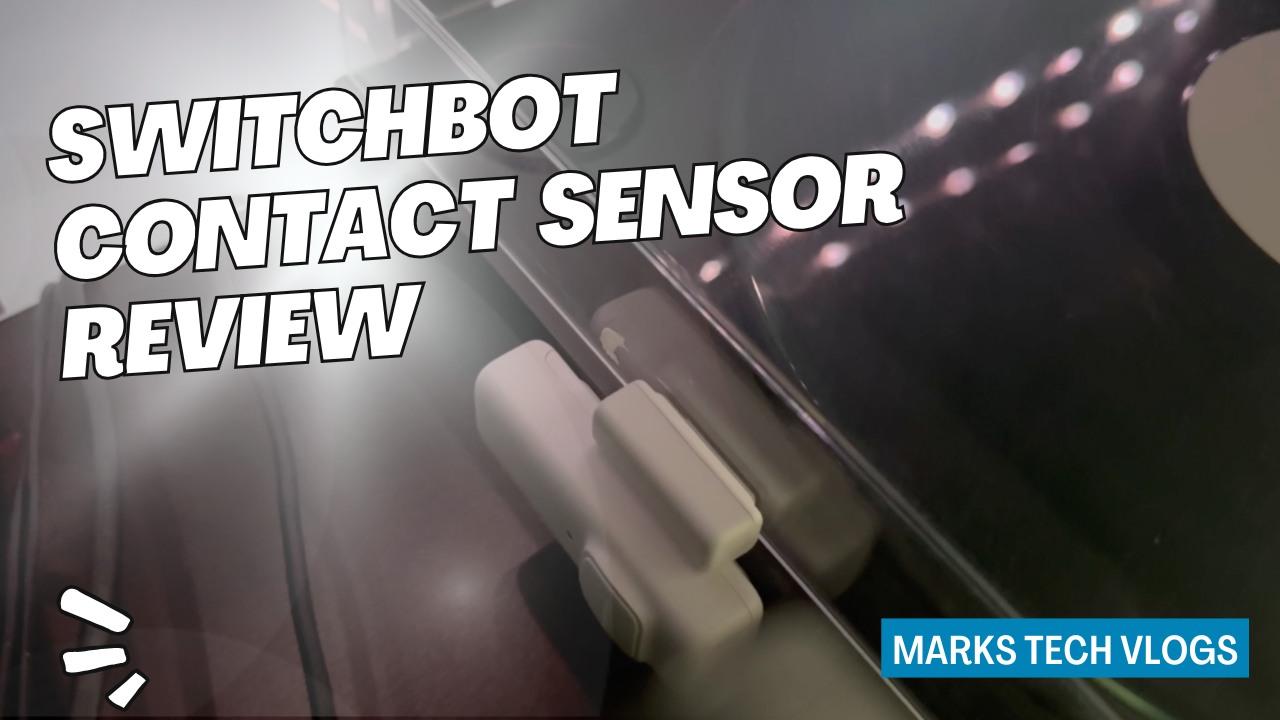
Watch the full video review:
Watch my SwitchBot Contact Sensor review on YouTube
Welcome back to Mark’s Tech Blogs! In today’s post, I’m reviewing the SwitchBot Contact Sensor — a compact and reliable smart home device that helps you monitor doors and windows with ease.
If you’ve followed my channel, you’ll know I’ve reviewed a few contact sensors before. When I tested the Eve Contact Sensor, I had major issues with its battery life, so I replaced it with the SwitchBot Contact Sensor. After using it for several months, I’m ready to share how it performs in real-world use.
Price and Availability
The SwitchBot Contact Sensor has a retail price of around £29.99, making it one of the more premium options. However, SwitchBot often runs sales and discount codes — I managed to grab mine for just £20. It’s worth checking both Amazon and the official SwitchBot store for the best deal.
Design and Build
Like most contact sensors, this device comes in two parts that detect when contact between them is made or broken. Both parts are finished in white with rounded edges, and the main unit includes a status light and button.
It attaches easily with sticky pads, and the cover can be removed to access the two AAA batteries. The overall design is clean and modern, blending nicely with most door or window frames. It’s slightly larger than the Aqara sensor but still fairly compact.
Specifications and Features
The SwitchBot Contact Sensor operates via Bluetooth, but to unlock its full potential you’ll need a SwitchBot Hub. Any of their Matter-compatible hubs will work, enabling you to control and monitor the sensor remotely and integrate it with ecosystems such as Apple Home, Google Home, Alexa, or Home Assistant.
It can alert you when a door or window opens or closes, and it includes a built-in brightness sensor (though this isn’t exposed to Apple Home). You can also configure how long the sensor remains open before triggering a notification or automation. Within the SwitchBot app, you can view detailed device logs to monitor its activity.
Installation and Setup
Setup is straightforward. Simply pair the sensor with the SwitchBot app, follow the on-screen installation steps, and attach it using the included adhesive pads. I’ve installed mine on my record player lid — similar to how I’ve tested previous contact sensors.
Once paired, add it as a Matter accessory to your SwitchBot Hub so it appears in your preferred smart home platform. In my case, that’s Apple Home, and integration worked perfectly.
Performance and Everyday Use
I’ve been using the SwitchBot Contact Sensor for a few months now, mainly to trigger automations in Apple Home. For example, when I open my record player, it turns on power to both the player and speakers automatically — and it does so within about one second of contact being broken.
When connected via the SwitchBot Hub 3, the sensor has stayed reliably online. Notifications work well, and the brightness sensor performs accurately. The only downside is that the brightness sensor data isn’t available in Apple Home, which would make it even more versatile. Hopefully, SwitchBot addresses this limitation in a future firmware update.
Battery Life
SwitchBot claims the sensor’s two AAA batteries can last up to three years depending on usage. Based on my experience so far, that seems realistic — a huge improvement over the Eve sensor, which drained batteries quickly.
Final Verdict
At its sale price, the SwitchBot Contact Sensor offers solid value for money. It’s not quite as compact as the Aqara alternative, but if you already have a SwitchBot Hub, this is an excellent addition to your smart home setup. It delivers reliable automations, accurate alerts, and impressive battery life — all wrapped up in a sleek, modern design.
Recommended for: anyone looking to expand their SwitchBot ecosystem or add a dependable contact sensor for smart home automations.
Buy the SwitchBot Contact Sensor here
Thanks for reading this review on Mark’s Tech Blogs! Don’t forget to subscribe to my YouTube channel, Mark’s Tech Vlogs, for more smart home reviews and tech content.