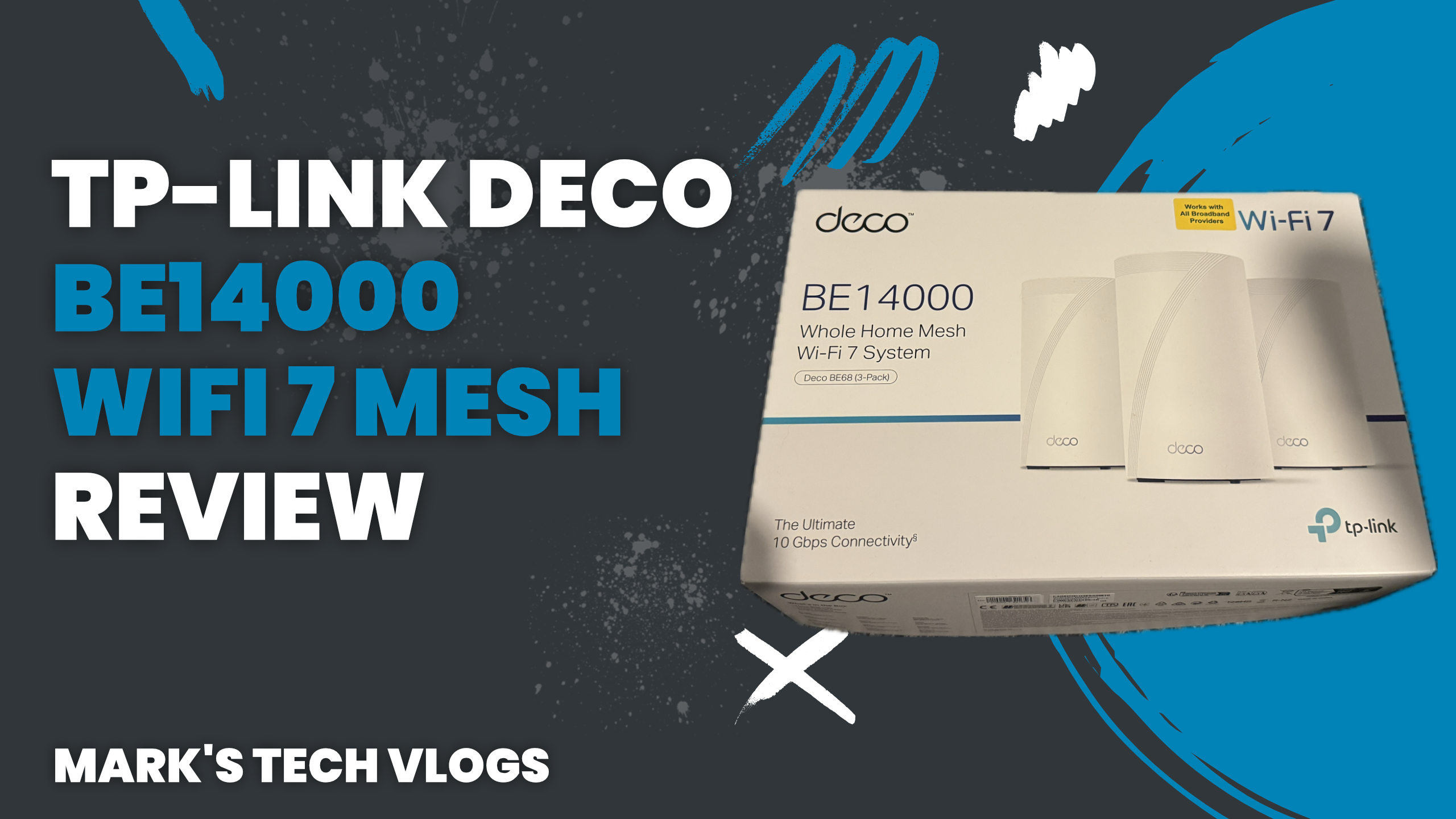
Summary and Verdict
The TP-Link Deco BE14000 is an excellent mesh networking choice designed specifically for modern, device-heavy smart homes requiring Wi-Fi 7 performance. It provides a solid balance of future-proof features, high-speed capacity across all bands, and intelligent AI-driven load balancing that handles multiple users without interruption.
Review Background
This article accompanies my video review on Mark’s Tech Blogs and focuses on the key headlines regarding real-world performance metrics. Before formally reviewing this unit as a primary home network solution for extended periods, I previously compared it with the TP-Link Deco BE9300 by publishing that full comparison first. During that previous phase of testing, I used the earlier BE9300 model exclusively on my own setup to run tests and evaluations before switching to this new unit.
At the time of recording my TP-Link Deco BE14000 video review, I had already been using it continuously for a full month. By the time that final content went live, the system was running effectively as my home network with close to two months of accumulated usage data under its belt.
The hardware units themselves were sent directly by TP-Link for evaluation purposes. While they did not pay for this specific piece of work or provide direct input on what I said prior to publication, it is important to note the sponsorship guidelines apply standardly here since I paid nothing for the physical equipment provided in return.
Pricing and Available Packs
Regarding purchase options, the TP-Link Deco BE14000 arrives available as a single standalone unit, or configured into packs of two. If you want to cover more space comprehensively, it is also sold as a three-pack configuration.
The complete set currently costs around £850, which represents a significant financial investment initially but remains competitive compared to other Wi-Fi 7 mesh systems with this specific specification profile. Market prices are likely to reduce over time for these new standards of hardware efficiency and performance capabilities across the industry.
What’s In the Box
In each TP-Link Deco BE14000 unit included in that three-pack configuration, you receive its own dedicated power cable. You also get an Ethernet cable inside the box specifically designed to help get your network up and running without needing a separate purchase for cabling.
Design Features
The TP-Link Deco BE14000 has been given a modern, rounded design that fits seamlessly well into most domestic settings regardless of decoration style. The top surface features discreet ventilation to handle heat generation silently while the base includes a status light.
This status indicator can be disabled easily via the companion app if you prefer not to see blinking lights in every room. On the rear panel of each TP-Link Deco BE14000 unit, you will find three Ethernet ports and one USB 3 port for storage access or peripherals.
Key Specifications
One of those Ethernet ports supports up to 10Gbps speeds which is ideal if you have a high-speed broadband connection running through your router. It also handles wired backhaul configurations effectively when connecting Deco units physically rather than wireless, though fast local network devices can utilize this bandwidth as well.
The standout feature regarding speed for the TP-Link Deco BE14000 is its tri-band mesh architecture which operates across 6GHz, 5GHz and 2.4GHz bands simultaneously allowing newer devices to take advantage of faster frequencies while spreading load efficiently across your whole network infrastructure.
The system supports Wi-Fi 7 standards making it highly future-proof for years ahead without needing an immediate upgrade when protocols evolve in the coming market cycle.
Suggested Speed Targets
- Up to 8647 Mbps on 6GHz
- Up to 4324 Mbps on 5GHz
- Up to 688 Mbps on 2.4GHz
Three units combined can cover up to 8,100 square feet comfortably and support a massive number of connected devices with capacity for close to two hundred connections total making this well suited for large homes.
Coverage and Reliability
If you have smart home setups that are particularly complex or extensive in terms of sensor count alone, the coverage area provided supports these intricate arrangements without sacrificing stability even under load conditions from many IoT gadgets plugged into your wall outlets daily.
Safety & Management Features
The TP-Link Deco BE14000 uses AI-driven mesh technology that presents your entire home as a single network to all devices seamlessly. Your smart camera and laptop will automatically switch between specific Deco units as you move around without any noticeable interruptions from signal switching or channel hopping.
This ensures streaming video while walking between rooms remains smooth and uninterrupted even when crossing thresholds where wireless signals might normally change frequencies abruptly depending on environmental factors like walls blocking the line of sight.
HomeShield Security
TP-Link includes HomeShield software with this unit offering three tiers of protection available for selection from their security suite starting at free level. The free tier includes router scans to detect vulnerabilities in your firmware settings, IoT device identification tools that flag insecure devices automatically.
You get access control capabilities which allow you to isolate specific networks or cameras if a threat is detected protecting camera feeds especially sensitive areas like baby monitors inside private spaces alongside parental controls such as time limits for gaming sessions and content filtering during bedtime hours when kids should not be online after hours set by parents directly through the dashboard.
Upgrading Security
The paid tier known as Security+ adds enhanced web protection against phishing sites or tracking attempts, plus extra IoT device protections usually reserved for enterprise clients that are now available to residential users at an additional monthly fee. There is a further Total Security expansion which includes antivirus software scanning files uploaded across the network.
This package also offers VPN access options and password management features useful for storing secure credentials while KidShield specifically protects devices outside your home perimeter from external threats targeting younger children’s gaming consoles or tablets when they are connected to public Wi-Fi hotspots during travel times away from parents’ residence permanently at other addresses like schools.
Setup Experience
The setup process for the TP-Link Deco BE14000 is straightforward using only the companion app which handles most of the configuration automatically when you plug it in. When I previously set up the BE9300 model, that involved creating an account on their servers first then scanning a barcode printed directly onto plastic housing main unit before letting application software automatically detect other Deco nodes nearby.
For this newer TP-Link Deco BE14000 installation attempt specifically with my setup requirements I used the replace feature initially intended to swap out older units but found that replaced main Deco did not work perfectly during early attempts. Adding these new units as entirely fresh devices within app and then switching them from default mode proved most reliable method despite initial hurdles encountered at stage one.
Network Restoration
I needed to restart my Virgin Media router which runs in bridge mode specifically configured for modems rather than routers usually to restore full internet access immediately after replacing main nodes. Overall however the rest of installation process was smooth and quick with no other issues requiring troubleshooting or phone support intervention.
Performance Analysis
Compared against my previous Eero 6 setup, three distinct changes stood out immediately upon connecting TP-Link Deco BE14000 to replace it fully. Streaming video content does not buffer now even on demanding clients like Apple TV or YouTube which were previously prone to freezing under heavy load conditions in past months of testing.
Device Connection
Your smart home devices connect instantly upon setup including older models that operate only on 2.4GHz frequencies without needing you disable other bands intentionally during configuration phase for maximum compatibility across legacy hardware and newer standards simultaneously within one unified SSID network name broadcast throughout house floor plan.
Camera Performance
Sports camera video feeds load noticeably faster now allowing real-time viewing on mobile devices or tablets from another room without experiencing laggy playback typical of weaker mesh networks handling high resolution streams across distance between units and endpoints connected to your main Wi-Fi access points distributed around living areas.
App Management
The app interface used for managing TP-Link Deco BE14000 functions is simple yet intuitive enough that even less experienced users can navigate menus without getting lost or confused during initial exploration. You can rename devices individually to match your room names in floor plans easily and assign specific appliances into dedicated bands so gaming consoles stay on 5GHz while smart bulbs remain on lower band.
Advanced Controls
You may set static IP addresses if needed for server hosting purposes or manage parental controls with ease via the built-in dashboards where time limits are adjustable from mobile devices anywhere at home. The app includes a useful search feature to quickly locate specific settings buried deeper in menus without needing scroll past everything manually every single time.
Fine Tuning Options
More advanced features found within app interfaces covering detailed tuning of transmission power levels or channel selection are covered more thoroughly inside my other Deco videos for those interested in a deeper dive into engineering settings that aren’t critical daily usage requirements but helpful if you want to optimize every drop.
Benchmark Comparison
Performance speeds between the TP-Link Deco BE14000 and previous generation models like the Deco BE9300 are broadly comparable in most real-world scenarios involving typical household traffic loads during evening hours when users stream video content together watching movies as families gather for holiday celebrations or weekends.
Comparison vs Previous Model
- Broadly Comparable Speeds: Most metrics align closely between models
- Key BE14000 Advantages include higher overall capacity and Wi-Fi 7 support
- More future-proof feature sets included in newer hardware generation released recently to market.
Potential Issues
The biggest downside of the TP-Link Deco BE14000 remains its price tag which sits at a premium compared to older Wi-Fi 5 or entry-level Wi-Fi 6 systems currently available for purchase by general consumers looking to upgrade their home networking capabilities without breaking budget limits during economic downturns.
