Meross Smart Plug Review Summary
Smart plugs are one of the easiest ways to make everyday devices such as fans and lamps controllable by your phone, voice and watch, serving as a great entry point into smart home ecosystems for many people today. In this comprehensive review we bring you our Meross Mini Wi-fi Smart Plug analysis, which is currently available online in the UK to help you decide if this affordable, HomeKit compatible smart plug is right for your specific setup needs. As an excellent way to dip your toe into the world of home automation devices without breaking the bank, these plugs offer substantial value with features like dedicated apps and ecosystem integration.
About Meross & Ecosystem Compatibility
Who Are Meross?
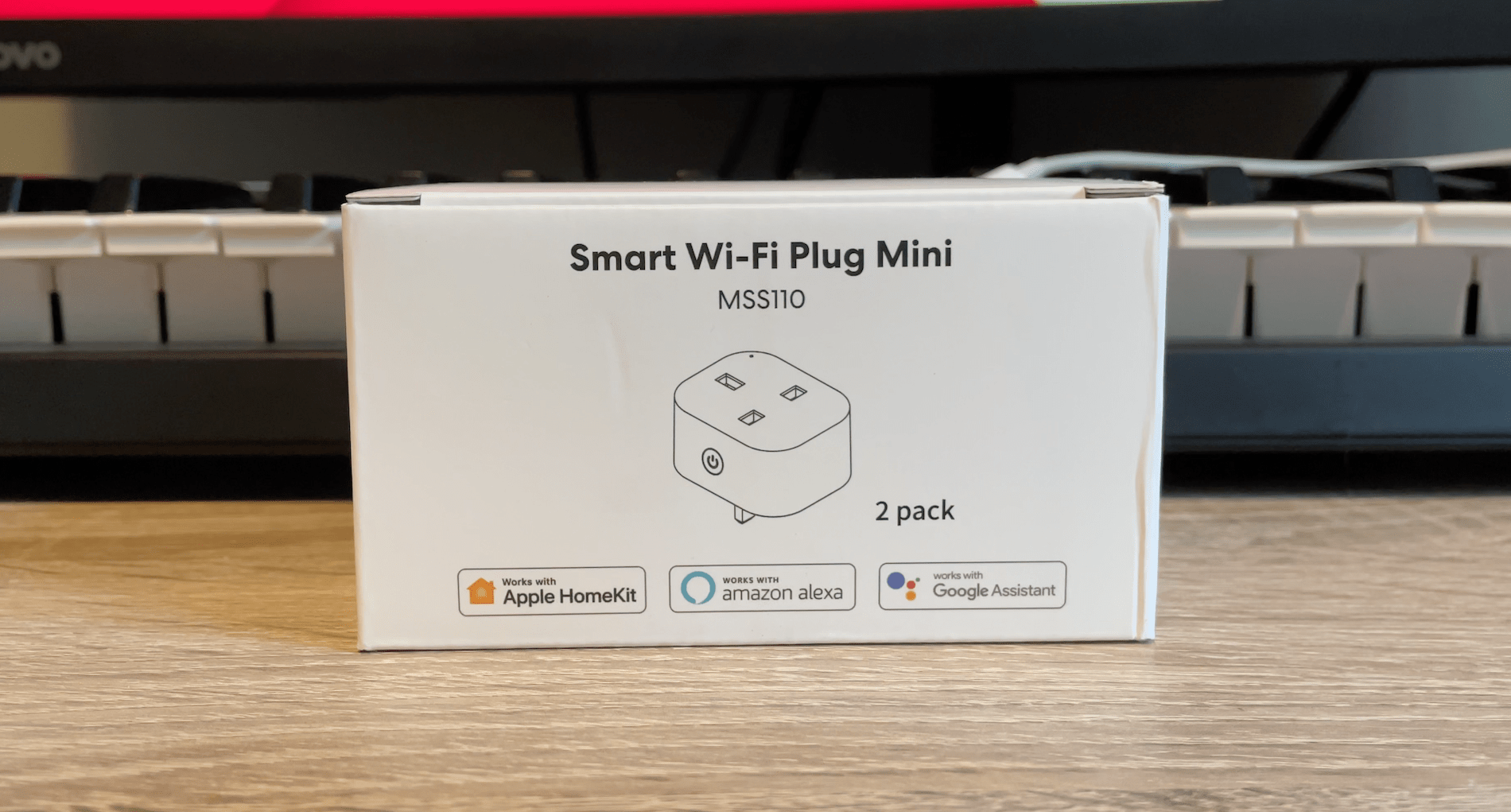
This integration doesn’t mean Meross devices aren’t great for Android users either. There is a dedicated Meross app available alongside Alexa skill support plus full compatibility with Google Assistant and IFTTT services, meaning your choice of assistant really comes down to personal preference during initial pairing stages. The smart plugs cost around £15 for one unit or roughly £25 for a pair at launch which makes even two units cost significantly less than purchasing a single Philips Hue Smart Plug. If you are interested in expanding your automation elsewhere and want to read a full review of the Meross Smart Garage door opener, we recommend checking out our dedicated coverage on that separate project. The design of the Meross Mini Wi-fi Smart Plug is very similar to most generic smart plugs you find currently on the market but it distinguishes itself with a slightly narrower profile that sits flush against walls without overwhelming your power socket space. The front face contains where mains input goes for connection and also hosts an indicator light so you know if current flows through the circuit at any given moment. The left hand side incorporates a dedicated physical power button allowing users to manually turn it on or off directly from touch, which is useful if your internet connectivity drops suddenly. On the right hand side sits the all important QR code designed specifically for easy set-up with HomeKit devices ensuring seamless pairing even without manual IP address configuration requirements. We’re going to talk a lot about HomeKit because that’s undoubtedly the big selling point of these smart plugs and setting it up is straightforward once you understand where everything fits in Apple’s ecosystem. If you’re an Apple user you simply plug in the new device, open your home app application on any supported iOS or macOS hardware unit, then click to add accessory option before scanning the provided QR code within seconds. You can immediately assign it to a room name and give it whatever functional title best describes its current usage purpose. Your Home app will now let you turn the plug state directly using your iPhone screen interface, Mac desktop or whichever Apple Watch model happens to be currently in active use alongside other devices connected via Bluetooth mesh. You can even set up advanced scenarios by using native HomeKit Automations to create dynamic scenes for specific trigger conditions and timers (great if you want a lamp fixture to turn on automatically at 7pm every single day). From there, should you desire more detailed logs or third party automation features beyond Apple’s ecosystem boundaries, we recommend adding the device into the Meross companion application specifically. This is useful primarily if you want to use your smart plug with Alexa voice commands as well alongside utilizing standard IFTTT applets. If you already have it in HomeKit via another route such as a different bridge or controller from elsewhere, simply open Meross app interface by hitting the plus icon and then selecting the specific product model which will identify if device was found previously on your local network automatically. Meross Smart Plug Review – Does it actually work? The simple answer to performance inquiries is a resounding yes! Whether you are currently using Amazon’s Alexa voice assistant, controlling via the native Home app directly or invoking commands through Siri for hands-free operation while cooking dinner, the smart plug executes every single command without issue. We have noted very little delay between user hitting the physical button interface on wall socket or calling out specific control phrases verbally to your home hub and receiving actual confirmation that the plug turns fully on or off in real time. As committed Apple fans we love this HomeKit compatibility specifically because it adds super-easy setup processes compared to other protocols requiring multiple apps. We also appreciate that functionality remains robust when used with Alexa, Google Assistant and a whole range of other smart home services beyond the original intended integration points for consumers entering into modern IoT markets today. This broad ecosystem support ensures longevity in usage even as your specific technology preferences change over time without needing to replace hardware immediately after purchase.Pricing & Value Proposition
Design & Physical Build
Installation & Setup Experience
Performance & Compatibility Test Results
