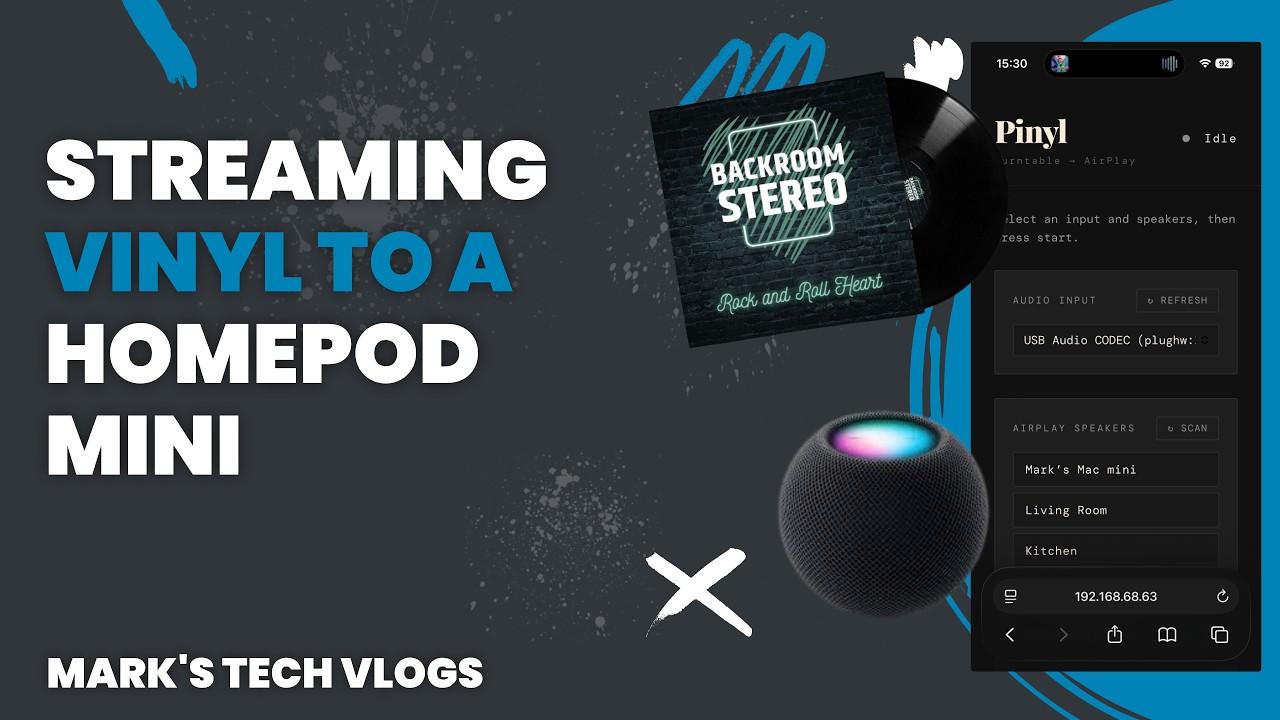
DIY Vinyl-to-AirPlay Streamer: A Comprehensive Guide
Ever dreamt of streaming your vinyl record player to AirPlay speakers? I turned that dream into reality with a DIY solution using a Raspberry Pi and Home Assistant. Here’s how you can achieve the same.
What You’ll Learn
- Streaming a record player to AirPlay speakers
- Setting up a Raspberry Pi as a streaming bridge
- Using a USB audio interface (Behringer UCA202)
- Accessing and using a custom web interface
- Creating Home Assistant automation for auto-streaming
- Optional Siri Shortcuts integration
Equipment Used
- Record player with preamp + line out
- Raspberry Pi (Pi 5 recommended)
- USB audio interface (Behringer UCA202)
- Ethernet connection (recommended)
Getting Started
I started by gathering my equipment: a record player with preamp and line out, Raspberry Pi 5, Raspberry Pi starter kit, Behringer UCA202 USB audio interface, and an Ethernet cable for connection.
My goal was to stream music from my vinyl records directly to HomePods or other AirPlay speakers while retaining the experience of playing vinyl. The solution I came up with allows my turntable to auto-start streaming when opened.
Setting Up
The first step is setting up your Raspberry Pi as a streaming bridge. You’ll need to install necessary software, configure audio settings, and connect the Behringer UCA202 USB audio interface.
Next, you’ll access and customize the web interface for controlling your streamer. This allows easy switching between inputs and adjusting volumes.
Home Assistant Automation
To make things truly seamless, I created a Home Assistant automation that triggers when my record player is opened. This automation initiates AirPlay streaming automatically.
For an extra touch of convenience, you can integrate Siri Shortcuts to control your streamer with voice commands.
Resources
- Pinyl Github Repository
- Raspberry Pi 5 (4gb)
- Raspberry Pi Starter Kit (Ideal for further projects)
- Behringer UCA202 USB Audio Interface
- My Record Player
