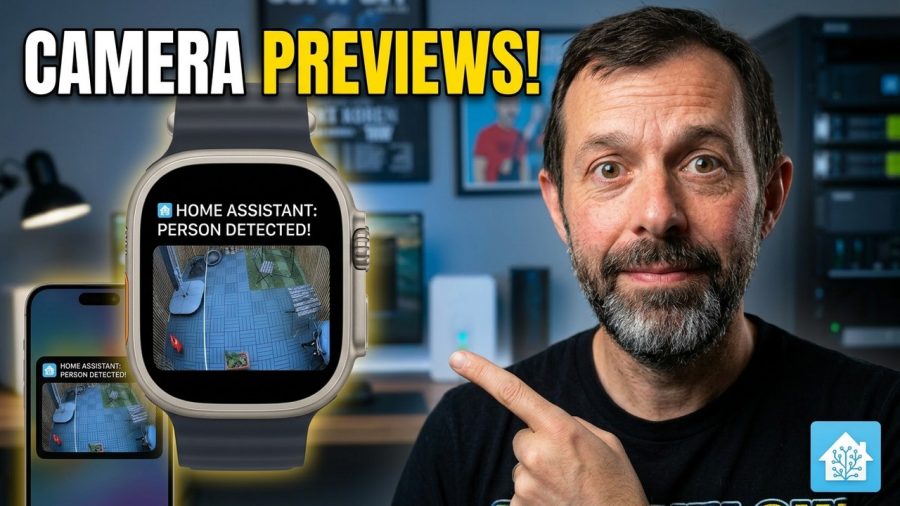
Get Home Assistant notifications with camera thumbnails delivered straight to your phone. Learn to configure alerts for motion.
Code you need: https://github.com/marktiddy/home-assistant-tutorials/blob/main/camera-thumbnail-notifications-in-home-assistant.md
ReoLink Camera: https://geni.us/eQ4upR
This tutorial explains how to set up camera notifications with thumbnails in Home Assistant. If you have a camera and a motion sensor integrated, you can create a custom automation that captures a snapshot whenever motion is detected. This guide covers the entire configuration process, including how to define specific triggers based on device state.
We will also look at setting conditions for your automation, specifically using a template condition to check the last triggered time. This ensures you do not get spammed with repeated alerts. By the end of this video, you will have a functional system that sends you a visual preview of camera events, making your home assistant notifications much more useful.
Subscribe for weekly smart home automation breakdowns, and comment below if you want to see a tutorial on setting up specific camera brands next.
Shop Tech I Recommend: https://linktr.ee/markstechvlogs
🔔 Subscribe for more smart home & tech reviews!
👍 Like & Share if you found this helpful!
https://www.youtube.com/markstechvlogs
Connect with me:
Found this helpful? Buy me a Coffee: http://buymeacoffee.com/marktiddy
Instagram: https://www.instagram.com/marktiddy
Email: [email protected]
