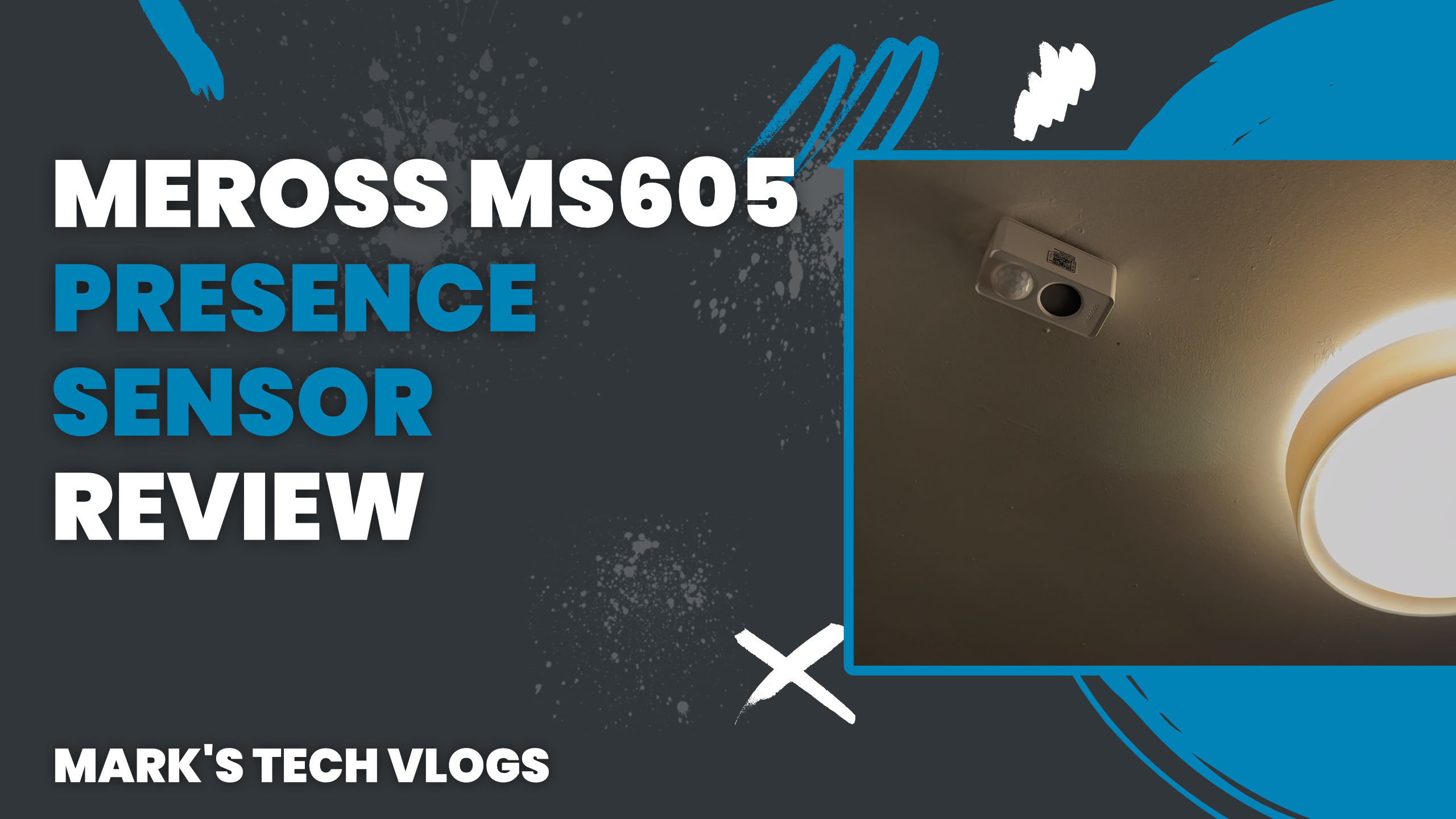
Meross MS605 Presence Sensor Review
Summary:
The Meross MS605 Presence Sensor is a very reliable and affordable Matter over Thread device that has proven itself well worth the investment. After using it for around six weeks—starting before its official release in early December—I have found no significant issues with performance or connectivity. It remains one of the most cost-effective battery-powered options currently available, delivering consistent detection speeds without false triggers.
The Meross MS605 Presence Sensor Overview
Welcome to Mark’s Tech Blogs. In this post, I am taking a detailed look at the Meross MS605 Presence Sensor, which brings Matter over Thread support to the brand’s smart home lineup as their first device with that connectivity standard.
Matter Over Thread Support
This sensor follows on from the wired predecessor, the Meross MS600. Unlike its previous version using Matter over Wi-Fi, this new unit is completely battery powered via a single CR123A cell which powers it for up to three years of operation.
Battery Performance
I have observed my review sample reporting 100% remaining charge after six weeks of continuous use in various configurations. Meross provided the unit for these purposes, but please note this is an independent review as I received no input into content from them prior to publication.
Key Specifications
The standout feature here remains its price tag at around £26. This makes it far cheaper than most other mmWave-based sensors on the market. It also supports up to three configurable detection zones which can be set individually within Apple Home and other compatible platforms.
Sensing Technologies
Internally, the device combines multiple sensing technologies for robust performance:
- mmWave sensor: Detects subtle movements such as breathing.
- Infrared sensor: Helps filter out non-heat-based motion like moving curtains or pets (though cats haven’t triggered it during testing).
- Built-in light sensor: Measures ambient brightness for automations regarding time of day changes.
Detection Range and Zones
You can set zones at distances like 2.4 metres or 4 metres, reaching a maximum detection range of 6 metres per zone configuration. Each configured zone is exposed individually to platforms, allowing you to trigger different automations based on how close someone stands from the sensor.
Design and Installation
In terms of design, it looks like a thicker version of the Meross MS600 with rounded housing that mounts easily via its flexible 90-degree folding joint. I have installed mine in my bathroom where you can see another important feature highlighted:
IPL7 Waterproof Rating
The sensor is IP67 waterproof, making it suitable for bathrooms and humid environments where presence sensors would otherwise struggle due to moisture accumulation.
Matter Over Thread Integration
This device supports Matter over Thread directly without requiring a proprietary Meross hub. You can add the sensor straight into your network if you already have a Thread border router active in your setup, as long as it is paired correctly first.
Cross-Platform Support
In my configuration, the device appears not only on Apple Home but also via the Aqara M3 Hub app for broader control options. While you need the Meross app initially to configure advanced settings like zones or recalibration, daily use can be managed entirely through your preferred smart home platform.
Matter and Smart Home Ecosystem Compatibility
The device works well with Apple Home, Alexa, Google Home, and SmartThings platforms. However, a notable limitation is that the light sensor data does not show up within Amazon Alexa services specifically for automations there.
Setup Experience
Setting it up is straightforward through standard instructions found in the app interface when you tap add. During this pairing process, you can calibrate detection zones if needed and then proceed to disable any extra ones not required via configuration settings within your dashboard software options.
Zones Configuration
The three configurable zones appear as separate presence sensors by default upon adding the device in Apple Home. If all of them are disabled for simple use cases, you can turn off individual zones which removes them from view to prevent confusion during initial setup phase transitions into operation mode.
Using The Device In Automations
I’ve been using this unit primarily for controlling bathroom lighting and extractor fans with mixed results depending on environment stability. Overall, it has proven reliable across six weeks of testing here in my home network where latency rarely impacts functionality significantly during day-to-day usage.
Detection Latency
In most cases presence is detected within a second upon entering the room or detection area. Occasionally perhaps once every couple days, there can be a slightly longer delay that has never been significant enough to become frustrating in real-world applications for users seeking responsive automation triggers without annoying false positives.
Network Stability
The unit does not go offline even when installed at the far end of my house which speaks well to Thread network stability over traditional Wi-Fi networks often subject to interference from walls or other devices in modern smart home environments where reliability is paramount for user experience satisfaction.
App Configuration
You can create automations directly within your app but these are limited mostly to controlling Meross branded products specifically. The main utility of the official application lies in configuring detection zones or adjusting presence and absence durations as well as applying firmware updates when released by developers.
Firmware Updates
You need access via Bluetooth communication while using this tool, so changing settings might require pressing a physical button on top which can be slightly inconvenient if the unit is ceiling mounted in areas where direct touch isn’t easily accessible to users managing their setup remotely without assistance.
Versatile Mounting
The mounting system included features like adhesive pads and rotatable stands allow for easy adjustment or relocation of units when moving between different locations within your home. This flexibility allows placement on walls, ceilings or corners depending where the specific presence detection range is needed most effectively.
Conclusion And Final Thoughts
To change settings you may find yourself interacting with physical interfaces but overall it functions as a solid addition to any Matter enabled smart home ecosystem looking for an affordable solution. For those building their first Thread network or adding presence automation capabilities without breaking the bank, this device remains one of my top recommendations currently available on the market.
Note: While I’ve tested in various lighting conditions and humidity levels as mentioned above with good success overall during extended periods between firmware updates, remember that your specific setup requirements may vary slightly from mine regarding app integration or zone positioning strategies used daily for automation triggers.
