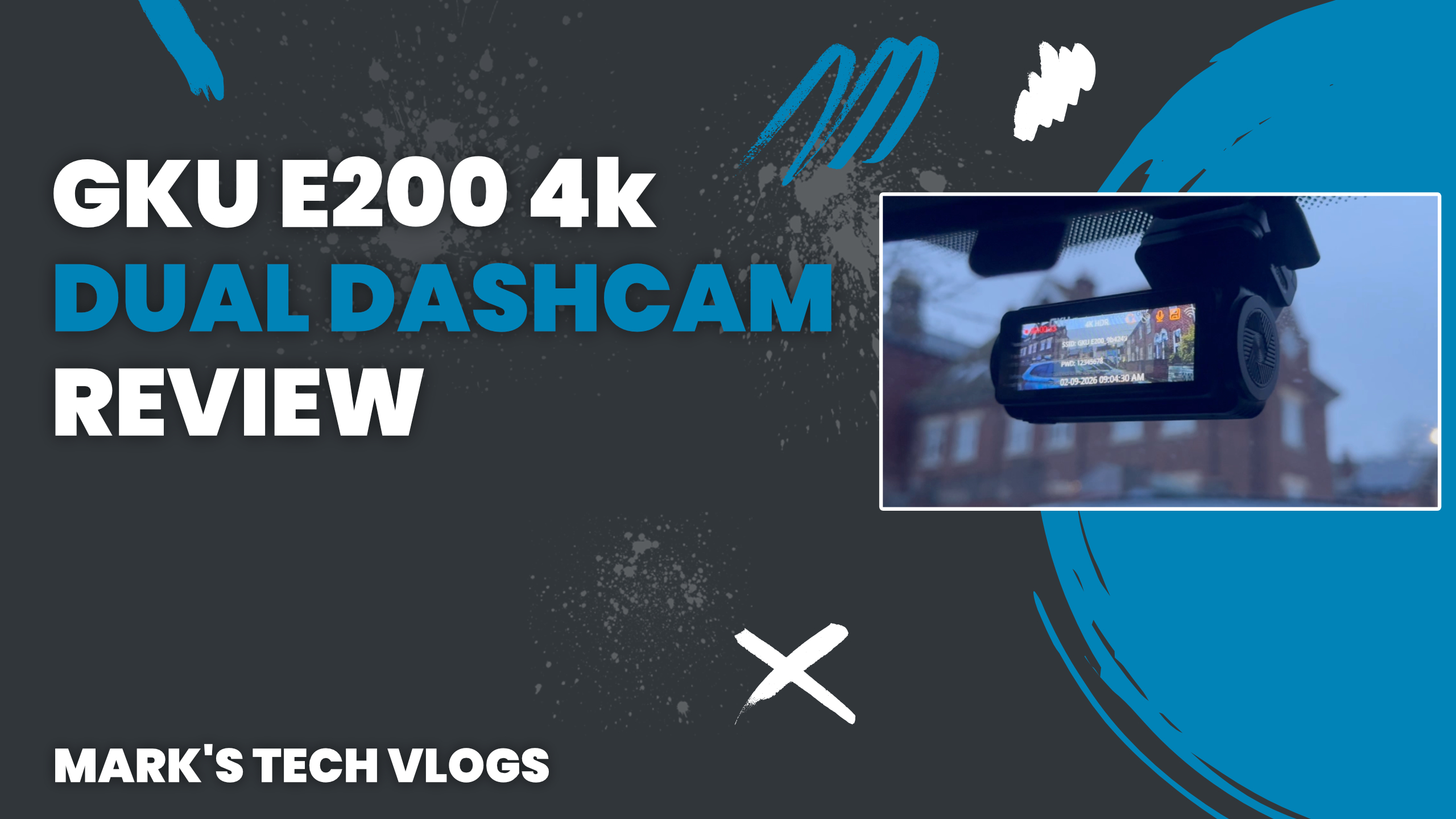
GKU E200 Dual 4K Dash Cam Review: A Solid Mid-Range Option
The GKU E200 Dual 4K Dash Cam is a compact front and rear dash cam designed with practicality in mind. Boasting 4K recording on both cameras, built-in GPS, and WiFi 6 connectivity, it aims to offer strong performance at a mid-range price point. Having used dash cams for years, I’ve found that compact designs with app connectivity tend to be the most practical. The GKU E200 fits this approach well, but how does it perform in real-world use?
Design and Build Quality
The GKU E200 is made up of two main components: a front camera and a rear camera. The front unit features a lens on the front, a screen on the back, and physical buttons for controls. It uses USB-C ports for both power and connecting the rear camera. The design is compact and unobtrusive, making it easy to mount just below the rear-view mirror without obstructing your view.
The rear camera is smaller and adjustable, allowing you to position it easily depending on your vehicle. Both cameras attach using adhesive pads, and spare pads are included in the box, which is a useful addition for long-term use.
What’s in the Box
- GKU E200 front dash cam
- Rear camera
- 128GB microSD card
- USB-C power adapter with additional USB port
- Long USB-C cable for rear camera connection
- Adhesive pads and cable clips
- Trim tool for cable management
- Instruction manual
Everything you need to get started is included, which is ideal if you’re installing a dash cam for the first time.
Key Features and Specifications
- Dual 4K recording (front and rear cameras)
- Starvis 2 sensor for improved low-light performance
- Built-in GPS for speed and location tracking
- WiFi 6 connectivity for faster video transfers
- Loop recording with 1, 3, and 5-minute options
- Support for up to 512GB microSD cards
- Parking mode and time-lapse (requires hardwiring)
These features make the GKU E200 a well-rounded option, particularly for drivers who want clear footage and easy access to recordings.
Installation and Setup
Installing the GKU E200 is straightforward. The front camera mounts to the windscreen, and the rear camera connects via the included cable. Cable management will depend on your vehicle, but in most cases, cables can be tucked into trim panels for a clean finish.
Once installed, setup is completed through the companion app. You connect to the dash cam via its WiFi network and can configure settings such as:
- Vehicle registration overlay
- Timestamp display
- Collision sensitivity
- GPS usage
- Automatic screen timeout
One recommended adjustment is enabling the rear camera mirror setting, which corrects the default reversed image for a more natural view.
Video Quality and Performance
The standout feature of the GKU E200 is its dual 4K recording capability. During daytime driving, footage is clear and detailed, with number plates generally easy to read. At night, performance is slightly reduced, but the Starvis 2 sensor helps maintain usable clarity.
In most scenarios, important details such as vehicle positions and number plates remain visible. On-device playback is smooth, and you can switch between front, rear, or combined views on the screen.
App and Connectivity
The GKU E200 connects to your smartphone using the GKU Go app, available on both iOS and Android. Thanks to WiFi 6, transfer speeds are noticeably faster compared to older dash cams using WiFi 5.
- Video previews with map and speed data
- Easy clip selection based on journey location
- Quick access to saved footage
For larger transfers, removing the microSD card and using a computer is still the faster option.
Everyday Usability
In daily use, the GKU E200 performs reliably. The compact design keeps it out of the way while still providing a usable screen when needed. The display shows key status icons such as GPS, although visibility can be limited in bright conditions.
A simple workaround is to check indicators before driving. The ability to turn the screen off automatically is a useful feature for those who prefer a distraction-free setup.
Pros and Cons
- Pros:
- Dual 4K recording for detailed footage
- Compact and discreet design
- Fast WiFi 6 connectivity
- Built-in GPS tracking
- 128GB card included
- Cons:
- No speed display on the device screen
- Night footage is good but not class-leading
- Parking mode requires additional hardwiring
Final Verdict
The GKU E200 Dual 4K Dash Cam is a strong mid-range option that delivers on the features most drivers actually need. It combines high-resolution recording, fast connectivity, and a compact design into a package that works well for everyday driving.
While it’s not perfect, particularly in low-light performance and on-screen information display, it covers the essentials extremely well. If you’re looking for a reliable dual dash cam with modern features and straightforward usability, the GKU E200 is well worth considering.
