As a tech enthusiast, I’m always on the lookout for innovative products that can make my life easier and more comfortable. When Dreo reached out to me with their smart misting fan, I was excited to put it through its paces and see if it could live up to its promises.
Design and Build Quality
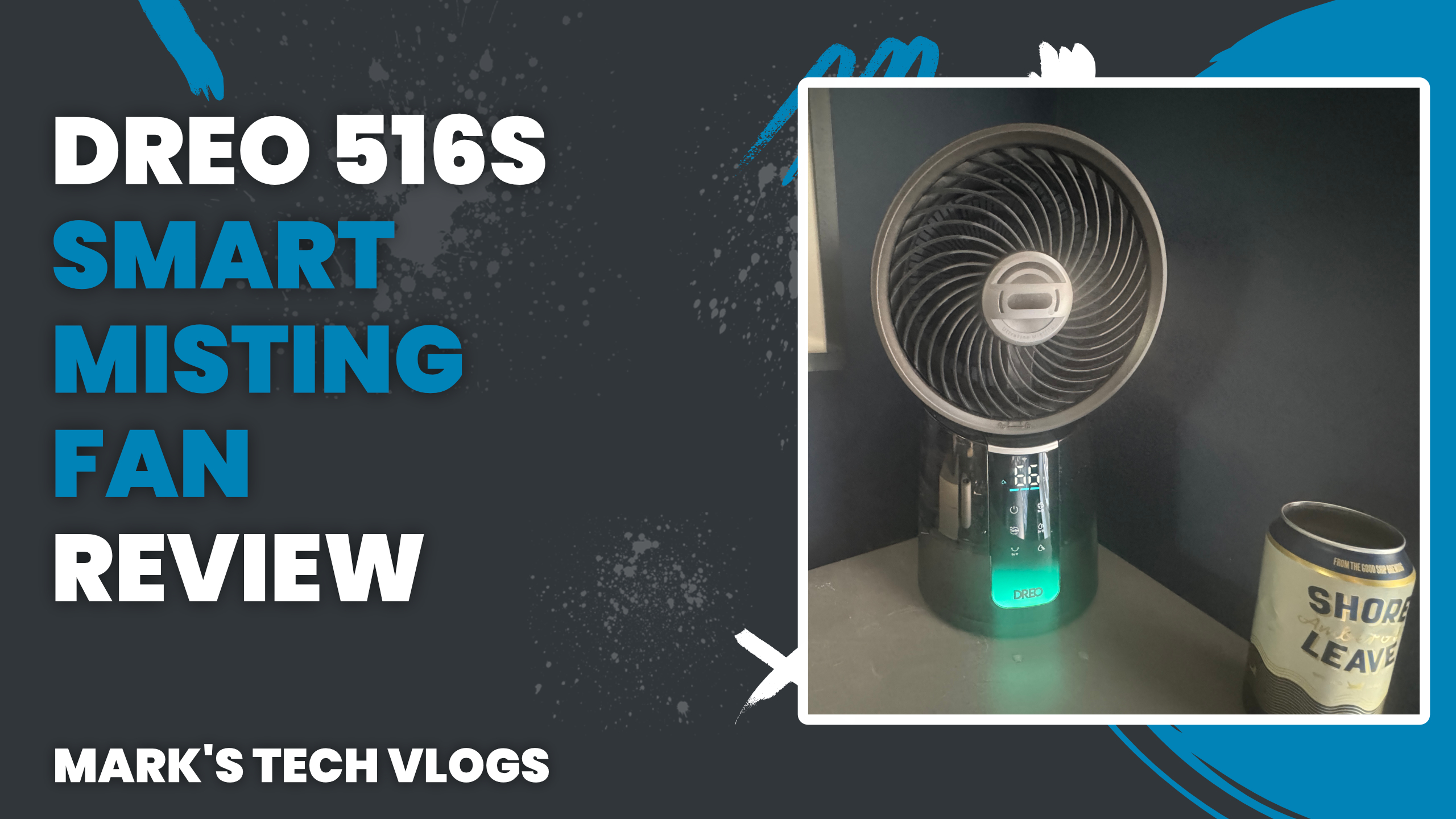
The first thing I noticed about the Dreo TurboCool 516S is its sleek and modern design. The dark grey finish looks great in any room, and the LED display on the front adds a touch of sophistication. However, I was pleased to find that the display can be toggled off in the app, which is perfect for using the fan in a bedroom or at night.
The back of the fan has a removable 1.3L tank for adding water, but it’s worth noting that the fan can still operate without water. This is a great feature, as it means you don’t have to worry about running out of water during extended use. The fan also comes with a simple remote control, which is always a nice touch.
Specifications and Features
One of the standout features of the Dreo TurboCool 516S is its impressive specifications. On a low mist setting, you can get up to 12 hours of run time with one fill, or 3.5 hours on turbo mode. The fan also has power off memory, so your oscillating settings and speed settings will be remembered even when the fan is turned off.
Another notable feature is its quiet operation. On its quietest mode, the fan produces a mere 20db of noise, which is impressive for a device that’s designed to provide cooling relief.
Smart Features
The Dreo TurboCool 516S comes with an app that allows you to control the fan remotely and access additional features. The app works seamlessly with Alexa and Google Home, but unfortunately, it doesn’t have native Apple Home integration (although there are workarounds available). However, the official Home Assistant plugin or unofficial HomeBridge plugin can help get around this issue.
The app allows you to create custom settings, schedules, and timers, as well as access basic information like temperature and humidity levels in the room. You can also export some of these settings as Siri Shortcuts for quick access on your home screen.
Setup and Usage
Setting up the Dreo TurboCool 516S is a breeze. Simply plug it in, add water to the tank, and pop some batteries into the remote (if you want to use it). Then, download the Dreo app and follow the instructions to connect the fan and set up your desired settings.
I found that the fan connected quickly and easily with no issues at all. I was able to name it, assign it to a room, and access all of its features without any problems.
Real-World Experience
As I mentioned earlier, I didn’t get to test the fan in extreme heat conditions (summer hasn’t arrived yet!). However, I did get to use it in my office during some warmer days, and I was impressed by its performance. The misting feature is incredibly effective at providing cooling relief, and the fact that it doesn’t feel damp or wet makes it a great option for personal use.
I also appreciated the power off memory feature, which ensures that your settings are remembered even when the fan is turned off. The water tank lasts as long as promised (up to 12 hours on low mist), and refilling it is easy and convenient.
Verdict
Overall, I’m very impressed with the Dreo TurboCool 516S smart misting fan. Its sleek design, impressive specifications, and effective cooling performance make it a great option for anyone looking to stay cool in their home or office. While it may not be as invasive as a portable air conditioner, it’s certainly more effective than a regular fan thanks to its misting feature.
At £100, I think the Dreo TurboCool 516S is good value, especially considering its smart features and built-in temperature and humidity sensor. If you’re in the market for a personal cooling solution that won’t break the bank, this is definitely worth considering.
Downsides
One potential downside of the Dreo TurboCool 516S is its lack of native Apple Home integration. However, as I mentioned earlier, there are workarounds available through the official Home Assistant plugin or unofficial HomeBridge plugin.
Another consideration is that this fan is more suited for personal use rather than room-wide cooling. While it can make a significant impact when used near you, its effectiveness may be reduced if it’s placed far away from you in a room during hot weather.
