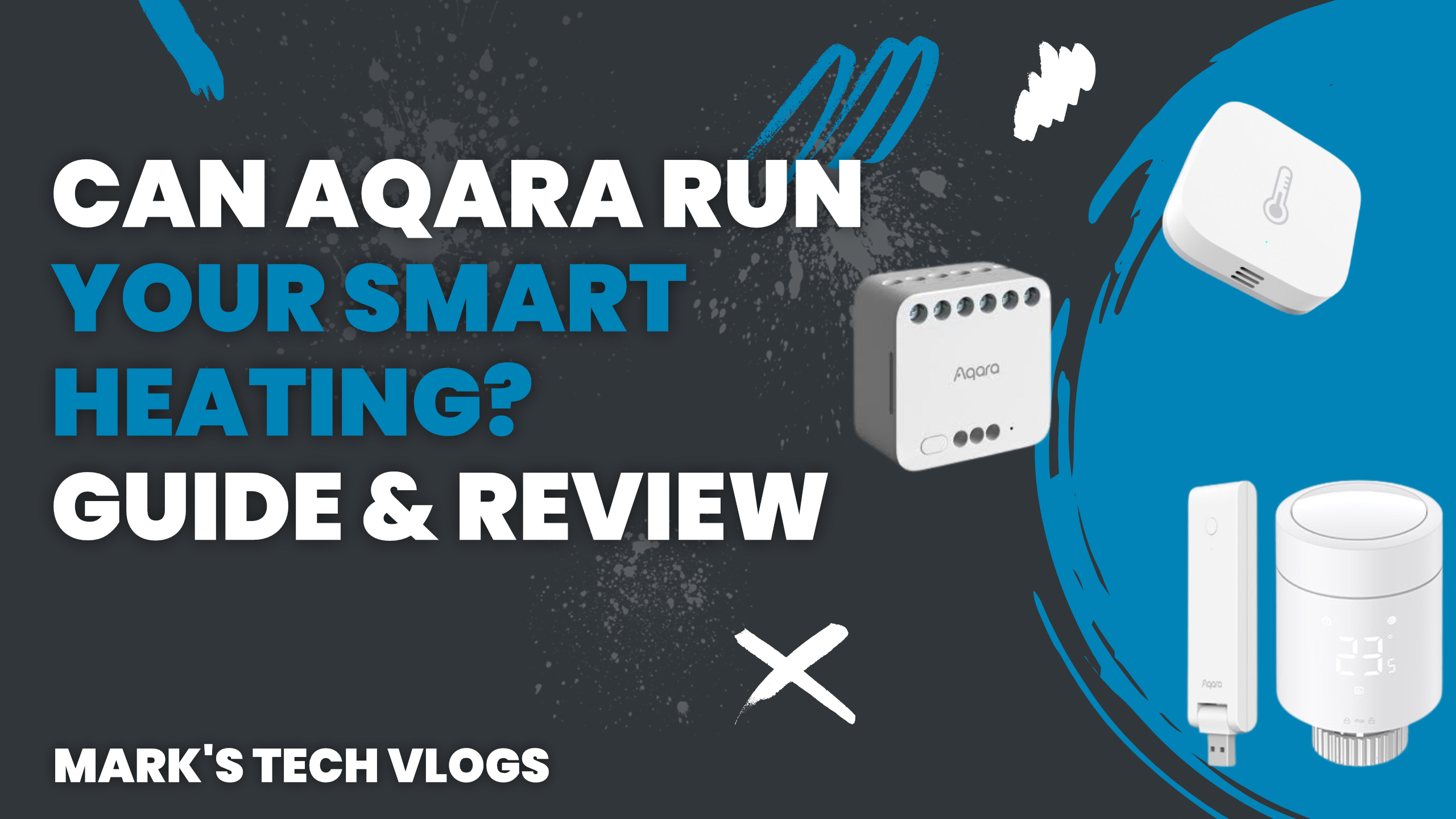
For the past couple of months, Aqara has been running my entire smart heating system, and it has turned out to be a surprisingly affordable and capable solution. In this article, I am breaking down exactly how I have been using the Aqara W600 Radiator Thermostat and Aqara T2 Relay Module to control my heating, including room-by-room temperature control and automatic geofencing, all without a subscription. This setup has been running through the winter here in the UK, and it is a great opportunity to properly test reliability, automation logic, and everyday usability.
All content below is based on real-world use in my own home and is not sponsored. Regular readers of Mark’s Tech Blogs will know that I have been on a bit of a smart heating journey. After a key feature was paywalled elsewhere, I started looking for alternatives that did not rely on subscriptions.
I previously tried a Matter-compatible system that suffered from Wi-Fi reliability issues, and I also explored building something custom using Home Assistant. While both approaches worked to an extent, neither felt like the right balance of simplicity and control for most people. That changed when Aqara released the Aqara W600 Radiator Thermostat. Combined with the Aqara T2 Relay Module, it finally felt possible to build a full smart heating system that was affordable, flexible, and did not require cloud dependence.
The Heating Setup I Wanted
Before buying anything, I had a clear idea of what I wanted my heating system to do. Independent temperature control for each room was the primary goal. Radiators that could call the boiler for heat were essential alongside automatic geofencing when the first person arrived or last left.
I also needed The Ability To Resume Heating Schedules Correctly, along with centralised control in a single app. I wanted Local Control And Remote Monitoring When Away From Home as well. I was not concerned about OpenTherm support specifically since my boiler does not support it anyway, but this is worth noting if that feature remains important to you.
The Hardware I Used
To make this work, I needed three core components.
Aqara W600 Radiator Thermostat: I use six Aqara W600 Radiator Thermostats in total, three upstairs and three downstairs. These are Matter and Zigbee compatible smart TRVs that can be used across Apple Home, Home Assistant, Google Home, Alexa, and SmartThings.
The Aqara W600 Radiator Thermostat costs around £40 per unit and comes with multiple valve adapters, a clean white design, and a subtle LCD display. They are powered by two AA batteries, with Aqara estimating up to two years of battery life. If you want to check current pricing, search for BUY_AQARA_W600.
Aqara T2 Relay Module: To allow the radiators to call for heat from the boiler, I use the Aqara T2 Relay Module. This sits alongside my existing boiler wiring and acts as the on/off switch for heating demand.
The Aqara T2 Relay Module supports dry and wet contact modes, has overload and overheat protection, and works with both Zigbee and Matter over Bridge. It exposes two switches in smart home platforms, even if you only use one, which is slightly annoying but manageable. It’s compatible with Apple Home, Home Assistant, Alexa, Google Home, and SmartThings when paired with an Aqara hub.
You can find it by searching for BUY_AQARA_T2_RELAY.
Aqara Hub: To get the most out of the Aqara W600 Radiator Thermostat, I strongly recommend using Zigbee mode, which requires an Aqara hub. Aqara’s budget hubs start at around £20, while higher-end hubs like the M3 offer Ethernet connectivity and better local reliability.
I already owned an Aqara hub, which kept the overall cost down. If you’re starting from scratch, you will want to factor this in. Look for BUY_AQARA_HUB if you are pricing things up.
Total Cost Comparison
With six Aqara W600 Radiator Thermostats, an Aqara hub, and the Aqara T2 Relay Module, the total cost comes in at around £290. Comparable systems come in noticeably higher.
Habi Equivalent
Around £300.
Tado Equivalent
Around £485.
The price difference becomes even more significant when you factor in subscriptions. Installing the Aqara T2 Relay Module was straightforward thanks to existing boiler wiring.
I mounted it inside a black enclosure and ran the Zigbee antenna externally. This is the only part of the setup where you may want to use a qualified electrician or heating engineer, especially if you are not comfortable working with mains wiring.
Once installed, pairing in the Aqara app was simple, and switching the relay into dry contact mode only took a few taps in the settings. Installing the Aqara W600 Radiator Thermostat is very easy to install.
If you already have TRVs fitted, they simply screw on using the appropriate adapter. Pairing is done through the Aqara app, where you choose between Matter and Zigbee mode. I initially tested Matter mode but later switched to Zigbee to unlock additional features like advanced scheduling, external temperature sensors, and better automation control.
One standout feature is how quiet these TRVs are. Even standing next to them, they’re almost silent in operation.
Scheduling And Automation
I tested several ways of managing schedules and boiler control, including Apple Home and Home Assistant, but ultimately found the Aqara app to be the most practical option. Each Aqara W600 Radiator Thermostat has its own smart schedule made up of named modes like Home, Away, Sleep, and Vacation.
Each mode has a defined temperature, which simplifies scheduling once everything is set up. I recommend setting manual overrides to resume “Until the next” scheduled event as this ensures your heating returns to the correct temperature automatically.
Geofencing
While the Aqara app supports geofencing, I wanted to avoid requiring another app on everyone’s phone. Instead, I use a smart plug that turns on when the first person arrives home and off when the last person leaves. This single device
