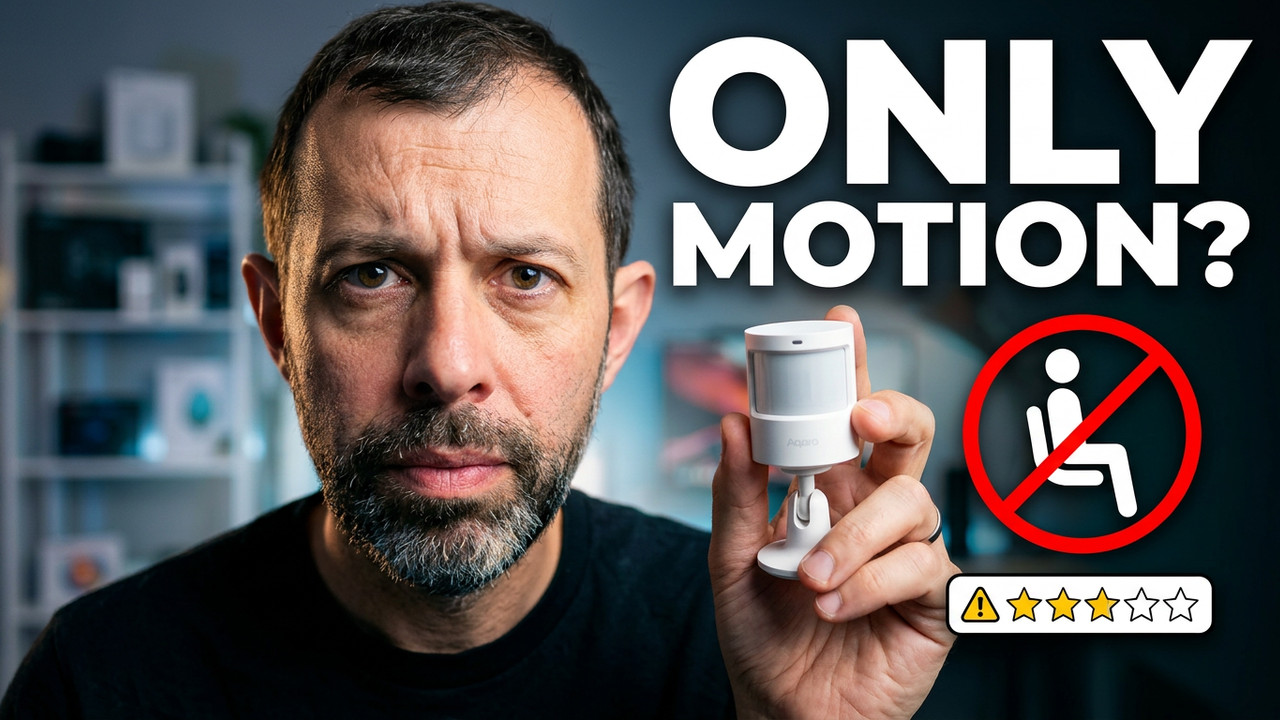
The Aqara Motion Sensor P1 is one of the cheapest motion sensors you can buy right now, often as little as £18. I’ve been using one in my hallway for the past four months, paired with the Aqara M3 Hub and running automations through both Home Assistant and Apple Home. Here’s how it’s held up, and the one catch you should know about before buying.
Quick note before we start: this is a motion sensor, not a presence sensor. It’s best for areas where there’s always movement when you want things to happen (hallways, stairs, landings) or as part of a security setup. More on that at the end.
Design
The P1 comes in two parts. There’s an adjustable stand that rotates up to 360 degrees, which can sit freestanding or be mounted to a wall or ceiling. Then there’s the sensor itself, which doesn’t even need the stand — you can mount it directly on its own if you prefer.
It’s a clean white design that looks modern, though it’s not as compact as something like the Philips Hue Motion Sensor.
Specs and compatibility
The P1 is a Zigbee 3.0 device, so you’ll need either an Aqara Hub or your own Zigbee setup. Aqara Hubs start at around £25 on sale, or you can pair it straight into Home Assistant with a Zigbee dongle if you don’t need the extra features in the Aqara app.
Paired with an Aqara Hub, it works with Apple Home, Alexa, SmartThings and Home Assistant. I’ve been running mine through the M3 Hub into both Home Assistant and Apple Home.
- Field of view: 170° at up to 2 metres, 150° at up to 7 metres
- Sensitivity: three adjustable levels
- Detection timeout: configurable from 1 to 200 seconds (default 30)
- Batteries: two CR2450s, rated for up to 5 years with the LED indicator off and a timeout of 30 seconds or more
- Light sensor: built in, but only available in the Aqara app (or via direct Home Assistant pairing)
On battery life: after four months, mine is still showing 100% in Home Assistant using those recommended settings. I can’t vouch for the full five years yet, but it’s a promising start.
Setup
Setup is straightforward if you already have the Aqara app. Pull the battery tab out, hit the plus button in the app, and the sensor should be found automatically. If not, pick it from the device list and the app walks you through adding it to a hub.
If your hub is already linked to Apple Home or Home Assistant, the sensor appears there automatically too. You’ll just need to rename it and assign it to a room, then build your automations in whichever app you prefer. I’ve tested automations in both Apple Home and Home Assistant and it works well in each.
Living with the P1
I’ve got mine in the hallway by the stairs, covering the dead zones my existing Hue motion sensor misses. Between certain hours, if someone’s home, motion turns on the hall light. The light switches off once both sensors agree there’s no movement. All of this runs in Home Assistant, with the P1 paired through the Aqara Hub, and it’s worked reliably.
The built in light sensor is decent too. The frustration is that it’s only usable inside the Aqara app, or if you pair the sensor directly with Home Assistant. It isn’t exposed to Apple Home, Alexa or SmartThings, which limits what you can do with it.
I do like that you can turn off the LED indicator — handy if the sensor is somewhere visible at night, and it helps battery life.
For security, you can have the Aqara app send a critical notification when motion is detected while you’re away, or do the same thing through Home Assistant. That works fine, with one caveat…
Downsides
My cats can trigger it, even on the lowest sensitivity. That’s common with PIR motion sensors generally, but it’s why I’ve set my automation to only fire when someone’s home — and it’s worth knowing if you were planning to use it for away-from-home alerts in a house with pets.
The bigger issue is the light sensor not being exposed to third party services. A motion sensor that knows how bright the room is can skip turning lights on during the day, but unless you live in the Aqara app or pair directly with Home Assistant, you can’t use that here.
Verdict: should you buy the Aqara Motion Sensor P1?
The P1 has great range, responds quickly, works with all the major platforms and costs very little. For automating lights in hallways and stairs, or as part of a security setup, it’s a solid buy — with the caveat that the light sensor is effectively locked to the Aqara ecosystem.
One last thing for 2026: only pick a motion sensor over a presence sensor when the area you’re monitoring will always have people moving through it. For a living room, where people sit still, you’re better off with a presence sensor. They cost more, but I use a few Aqara FP300s for exactly this and they’re great — my full review is linked below.
Where to buy:
- Aqara Motion Sensor P1
- Aqara M100 Hub
- Aqara FP300 presence sensor
