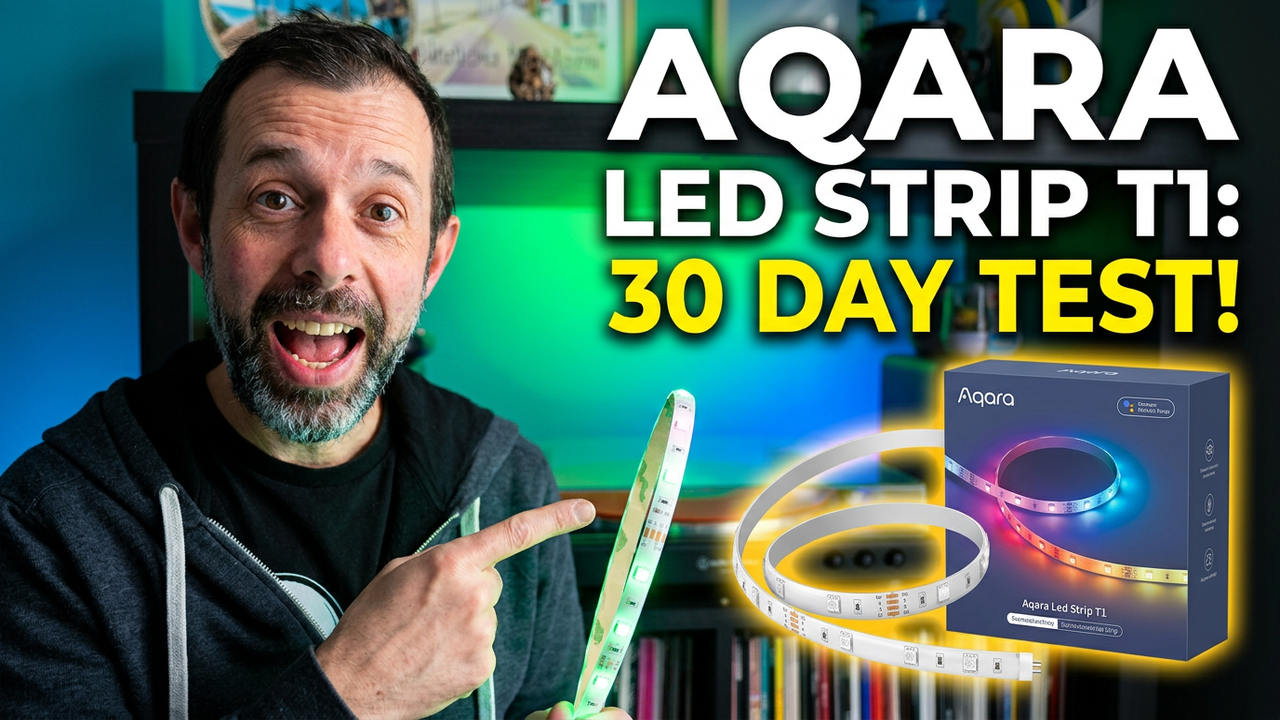
I’ve been using the Aqara LED light strip T1 for about a month now, and in this review, I’ll be sharing my thoughts on its performance, features, and overall value. As with any product I receive to review, Aqara had no say in what I’d write – my opinions are entirely my own.
Price and Value
The T1 light strip is priced at £43 for a 2m length, which is around average for similar products. However, it’s worth noting that you can extend the strip by purchasing additional 1m segments for just £15. While the length of the strip may not be as long as some other options on the market, its quality and features more than make up for this.
Specifications
To get the most out of the T1 light strip, you’ll need to have an Aqara hub – I already had the M3 hub, but if you’re new to Aqara’s ecosystem, their hubs start at just £30. The T1 strip supports up to 16 million colours and can be used to create custom effects using the Aqara app. It also has built-in Zigbee repeater functionality, making it a great option for those looking to expand their smart home setup.
One of the standout features of the T1 is its support for RGBIC (Red, Green, Blue, and Individual Colour) configuration, which allows you to control each of the ten light strip segments separately. This level of customization is perfect for creating complex lighting effects or syncing with music. The app also includes a built-in music mode that works seamlessly with popular smart home systems like Apple Home, Alexa, Google Home, and Home Assistant.
Design
The design of the T1 light strip is sleek and modern, making it easy to hide away in any room. The back of the strip features some high-quality sticky tape that has held up well over the past month. I was impressed by the premium feel of the light strip itself, which I’d say feels even better than a Hue light strip.
Before the plug, you’ll find some physical controls and what appears to be a microphone for local music sync. This is a nice touch, as it allows you to control the lighting effects without needing to reach for your phone or tablet.
Setup
Setting up the T1 light strip was a breeze – I recommend pairing it with the Aqara app before fitting it into place. Once paired, you can choose which Aqara hub it binds to and then add it to other apps like Apple Home and Home Assistant.
As my Aqara Hub was already connected to these systems, the light strip appeared automatically, and I just needed to assign it to the correct room. From there, I added it to any scenes and automations I wanted to use it in – for example, turning on my living room lights when I enter the room.
Scenes and Exports
The Aqara app’s ability to export scenes is one of its standout features. This allows you to create custom effects and music sync toggles that can be shared with other apps like Apple Home, Google Home, and Home Assistant.
To do this, simply create a scene in the Aqara app for turning on music sync or dynamic RGB effects, then head into the profile part of the app and connect to the ecosystem you want to sync to. For example, if you’re using Apple Home, you can sync your scene with just a few clicks.
Real-World Experience
I’ve been using the T1 light strip for several weeks now, and I’m impressed by its performance. The colours are vibrant and bright, and it responds quickly to any changes in lighting effects or music sync.
One thing to note is that if you’re using a speaker higher up and your plug with the mic for the lights near the floor, you may need to increase the sensitivity of the music sync feature. However, this can be easily adjusted within the app.
Verdict
Overall, I’m extremely impressed by the Aqara LED light strip T1. Its high-quality design, vibrant colours, and seamless integration with popular smart home systems make it a standout product in its class. The ability to export dynamic effects and music sync toggles via scenes to third-party apps is also a major plus.
While there are some minor downsides – such as the lack of light mapping feature – I believe this product is well worth the investment. If you’re looking for a reliable, high-quality smart lighting solution that integrates seamlessly with your existing setup, look no further than the Aqara LED light strip T1.
As always, if you’d like to purchase the T1 light strip or learn more about it, I’ve included a link below. If you have any questions or would like to share your own experiences with this product, feel free to leave them in the comments section!
- Aqara Hub M3
- Aqara U200
- Apple Home
- Alexa
- Google Home
- Home Assistant
- Hue
- Govee’s tree lights
- Twinkly lights
