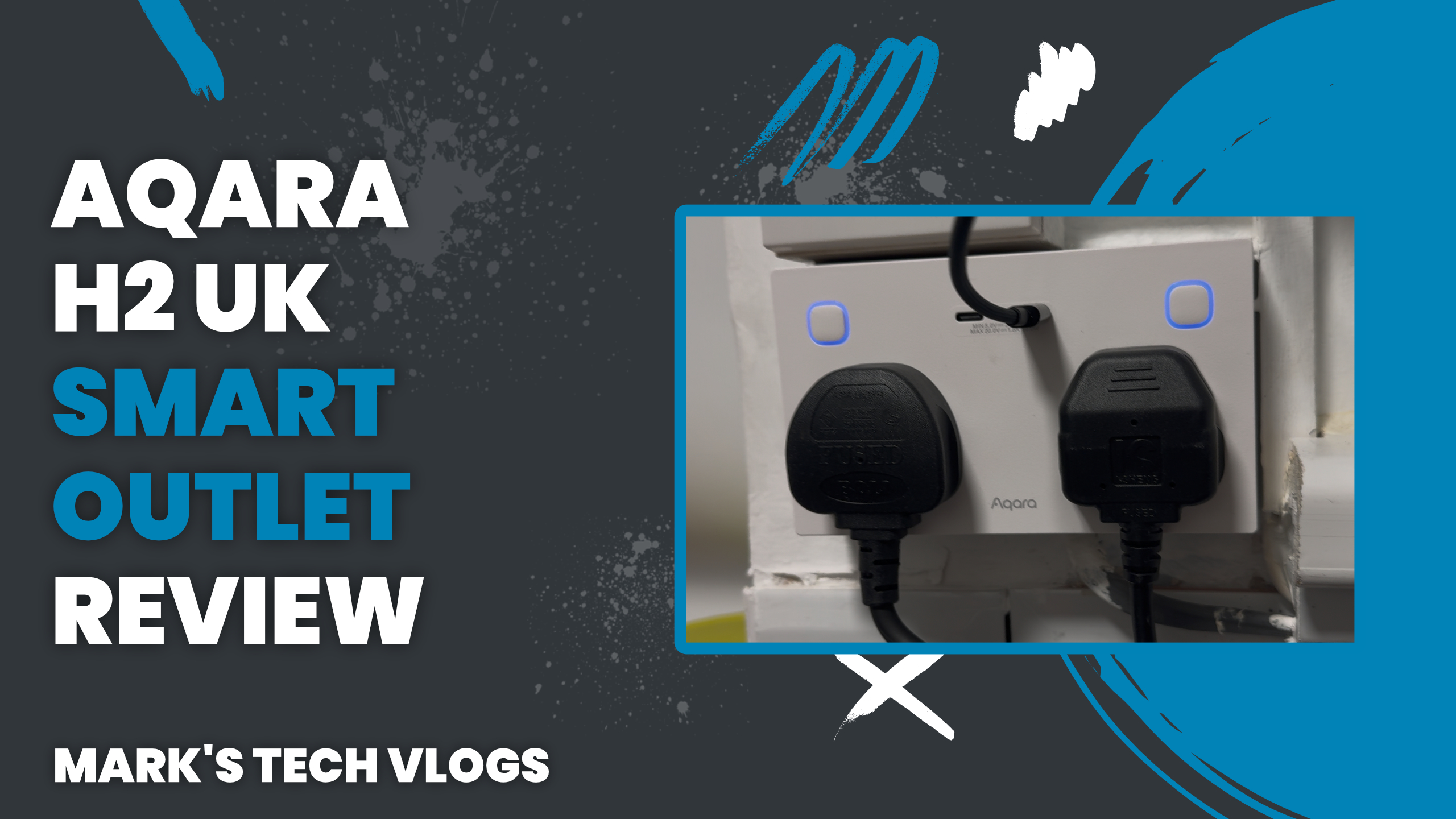
Aqara H2 UK Smart Wall Outlet Review: My 2-Month Test with Matter & Zigbee
The Aqara H2 UK Smart Wall Outlet is a premium, reliable and highly capable smart home upgrade that represents a significant step up from standard plugs. While professional installation is required for this wired device which comes in two variants—a single 20W USB-C port model or the tested dual-port version with shared 30W output—it integrates Matter via Thread mode alongside Zigbee support to ensure broad compatibility across Apple Home, Google Home and other platforms.
The Verdict
No product is perfect. The inability to control the USB ports separately in Apple Home misses an opportunity for independent management. Additionally, since both AC outlets share a 30W budget when using dual-port chargers, fully powering high-wattage devices like a HomePod Mini while utilizing the second port simultaneously requires compromise.
Unboxing and Specifications
The Aqara H2 UK Smart Wall Outlet comes in two variants: one with a single 20W USB-C port and the model I tested, which features two USB-C ports with a shared 30W output. In the box you will find the socket itself, a spacer to accommodate its deeper profile compared to a standard outlet wall plate, and the instruction manual.
Dual-Protocol Support
The core specification is its dual-protocol support. The Aqara H2 can operate in either Thread via Matter or Zigbee mode which provides major flexibility for your ecosystem setup. In Zigbee Mode you need an Aqara Hub such as the Hub M3 to unlock power monitoring within the app.
Matter and Connectivity
In Thread/Matter Mode, it connects directly with any compatible border router like Apple HomePod Mini or Google Nest Hub while acting as a mesh extender. Matter ensures compatibility across major platforms including Samsung SmartThings and Home Assistant alongside standard apps.
Safety Installation Notes
Critical Safety Note: Installing this wall outlet involves working with mains electricity so always hire certified electricians if you are not qualified professionally due to risks involved in wiring modifications. I opted for professional installation specifically because of complex kitchen wiring which ensured safe tidy finish.
Setup Process
Once installed setup is straightforward: Open the Aqara app and tap plus sign then add device icon, scan QR code located behind removable front faceplate or select from list. Choose preferred connectivity mode like Thread or Zigbee via Matter pairing code if adding to ecosystem.
Daily Use Performance
The integrated push buttons offer satisfying tactile feedback while indicator lights can be disabled in settings which is ideal for bedroom environments where light emission shouldn’t disturb sleep schedules.
Automation execution based on time sensors or geofencing works reliably and instantly within Aqara app. I prefer using Apple Home to avoid requiring others installing specialist apps, ensuring a more universal smart home experience even though power monitoring in Zigbee mode may be niche for some users.
Firmware Integration
The physical buttons provide manual control capability while the USB-C ports deliver solid performance charging everyday devices. It is important to remember that 30W budget output capacity is shared when both ports are active simultaneously which affects how you power multiple chargers together at once.
Considerations and Conclusion
The need for professional installation means this device acts as a more expensive investment than traditional smart plugs. However if you renovate build or want permanent clean solution for multiple sockets then the Aqara H2 is excellent choice that future-proofs your home significantly.
You can find compatible units and Hub M3 from various retailers online now so ensure compatibility with existing routers before purchase decision since it connects via either Thread/Matter protocol path depending on preference setup style used in household configuration currently available for deployment today worldwide across multiple regions markets globally supported by manufacturer software updates regularly released alongside hardware improvements designed to enhance stability performance longevity reliability.
