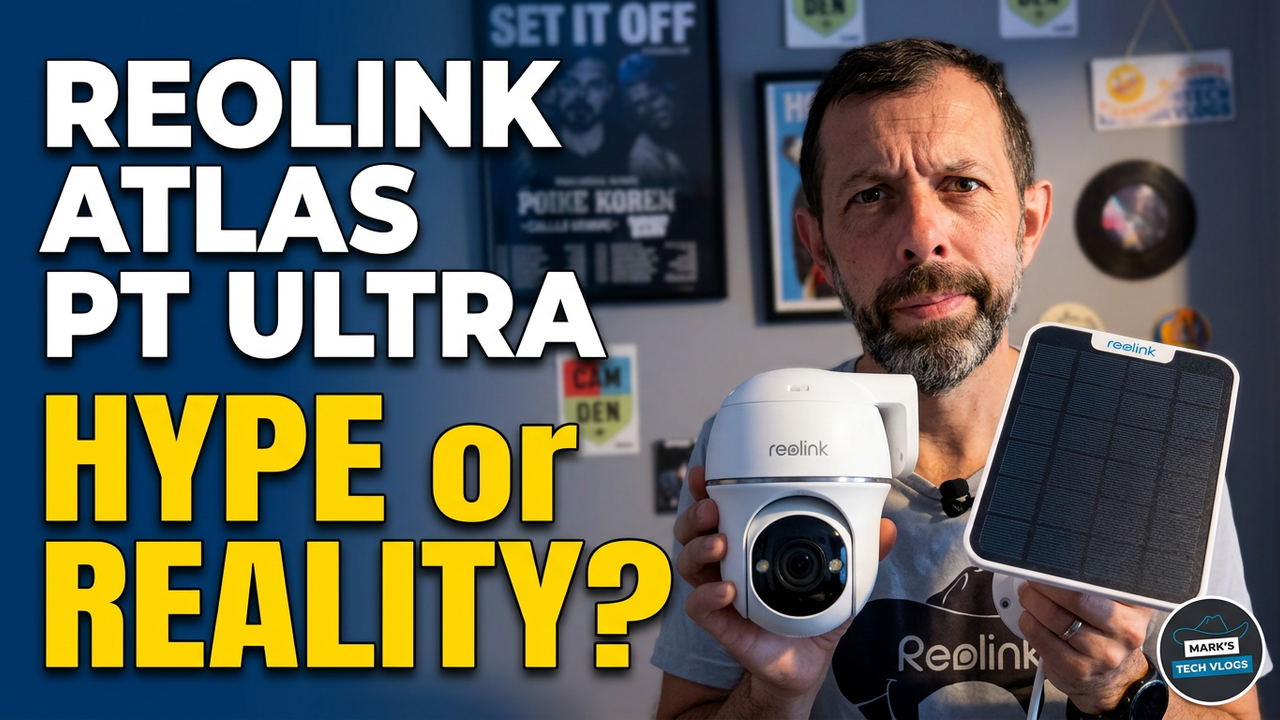
A Quick Verdict on the Reolink Atlas PT Ultra
I’ve been using this system for about three weeks, so I can share what actually happens in real-world conditions rather than just promising features. Here is my assessment of whether you really need to buy into all the extras before getting started. If your primary goal is simple monitoring and voice assistant integration without needing advanced local control or history retention, you might not need the Home Hub Mini right away. However, if you rely on local storage for privacy and want full feed visibility in ecosystems like Apple Home via Home Assistant, then purchasing that hub becomes a necessary step to unlock those capabilities properly.
Do You Need the Reolink Home Hub Mini?
Before getting into specifics about how this camera tracks objects or handles battery life under load on its own power source for weeks at a time without needing wall charging, it is worth asking whether you need to invest in the hub first. For most people who simply want basic motion alerts sent straight to their phone through the Reolink app along with optional Alexa triggers and Google Home actions, that standalone camera works perfectly fine on its own. But for users running a more complex smart home stack involving Home Assistant where live video feeds are crucial for automations or viewing inside specific apps like Apple Home at once within the interface there requires connecting to the Hub unit specifically because it handles routing those connections locally without needing subscription fees constantly incurring over months of usage time on your card plan.
Price and Design
The camera itself, combined with a Reolink Solar Panel package sent by Reolink as part of my review kit, sits at £170 when accounting for the cost of the solar panel component that is included in this specific bundle offering. A 5% discount is currently available if you are ready to purchase via the link associated on this page or check Prime Day sales which may be running alongside current stock availability depending where your region falls within shipping zones at present moment today too. The physical unit has a clean white body design that matches most outdoor aesthetics nicely while allowing for vertical rotation capabilities of up 355 degrees across its horizontal range plus tilt functionality to look downwards or upwards as needed by site placement conditions around windowsills versus overhanging trees above porch area.
Specs That Matter
The built-in battery inside the chassis is rated at 20,000mAh capacity which means it delivers power long enough for up to 96 hours of continuous recording when active or even extends run time significantly in PIR trigger mode capturing around 300 seconds of footage per day on average during typical operation cycles throughout winter months where sunlight might be less reliable anyway. Even with a grey and wet weather pattern lasting the first full week without charging fully before deployment started testing battery levels barely moved noticeably despite rain which is great for users in climates that are notoriously damp.
Storage Options
If you want to store footage locally, there is no internal microSD slot directly inside the camera casing itself but rather it relies on a dedicated Home Hub Mini device if available or use an external card inserted separately into either unit as supported by firmware configuration settings. You can add a microSD up to 512GB capacity which isn’t included in base price of course so you might want that budgeted in separately beforehand before purchase happens unless plan involves cloud storage subscription service monthly billing cycle instead for those who prefer offsite redundancy rather than risk local hardware theft or water damage issues from weather exposure alone.
Subscriptions
You get compatible access to Alexa and Google Home right out of the box without needing any special setup steps beyond initial pairing process through application interface on your phone. Most features work with Home Assistant too, but note that if you do not have a Hub Mini connected yet for full video feed integration into those systems properly you will need cloud storage which costs £3 per month or up to 5 cameras total plan available at reduced rate currently offered sometimes via promotional pricing adjustments by company policy.
Setup and Installation
The camera box plus the solar panel packaging include all necessary screws fittings cable ties for alternative mounting methods where drilling into walls is not an option for you specifically due to rental restrictions or structural limitations preventing permanent alterations in building fabric without permission obtained first via landlord authorization process before proceeding with installation steps planned ahead of time.
Mounting Process
To charge the camera first then pair it through Reolink app which walks you through connecting WiFi network successfully on initial setup session where most users should be able to skip troubleshooting unless interference issues exist nearby causing connection drops intermittently when testing range performance around house exterior perimeter locations.
Day-to-Day Use and Performance
Motion notifications come through promptly with thumbnail previews included in push notification alerts that arrive on mobile devices quickly enough for you to verify what movement triggered alert without needing to open camera live stream feed immediately which might save battery life or data usage depending how often checks made manually within application interface daily.
Detection Accuracy
It picks up people and animals reliably even at night when ambient light drops significantly below threshold required for infrared sensors alone but instead uses colour mode combined with built-in LED light to show true colours regardless of lighting conditions available around sensor location point currently monitored by camera software algorithms processing video stream in real time.
Night Mode Tracking
Tracking animals in the dark works well too because auto tracking settings allow it to follow people, animals or vehicles depending on what configuration you choose within application menus which are accessible from app dashboard via tap interface navigation system used for adjusting parameters live without needing reset factory settings unless necessary.
Night Video Quality
The night video quality is the best I’ve seen on a battery outdoor camera and browsing clips in the app allows easy downloading footage while you can switch between lower resolution stream optimized for data saving or full resolution by toggling from Fluent to Clear depending how much detail matters at moment captured currently being viewed.
Home Assistant and Apple Home Integration
When talking about integration with Home Assistant there’s no native support directly within that ecosystem requiring you use homebridge or similar bridge software for getting video feed available properly inside those custom interfaces which is where it gets a bit involved if you really need advanced control over automation rules based on camera triggers rather than just receiving simple notifications when motion detected by PIR sensor located near driveway entrance point.
