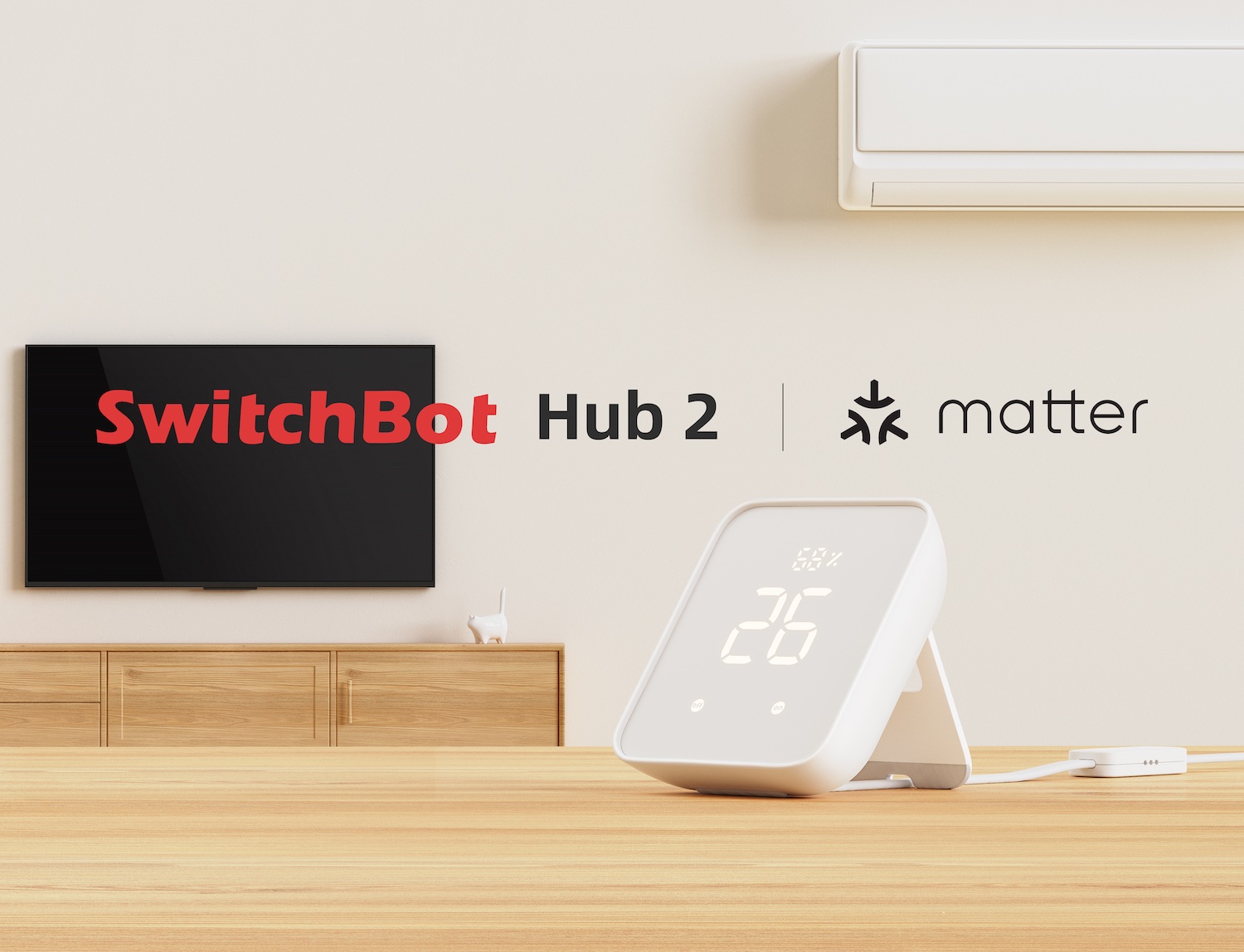
The Switchbot Hub 2 takes everything that was great about the Hub Mini and brings with it improved infrared capabilities as well as Matter support which is excellent news for Apple users in particular, alongside some nice metrics data too; while other than the price being much higher than the Hub Mini we really cannot fault this device. Our experience after using the device over the last three weeks confirms that its new design connects your Switchbot devices to the cloud efficiently and integrates with native Home apps via Matter technology.
New Features and Overview
Switchbot have officially launched their Hub 2, a new hub from Switchbot which allows you to connect your Switchbot devices to the cloud. With it having a built-in temperature and humidity sensor as well as adding Switchbot curtains and blinds support to Apple and Google’s native Home apps thanks to Matter, this device is significant for its price point relative functionality.
The Hub Mini has been around for quite some time now at an affordable £35 price point which serves as a way to hook your switchbot devices up to the cloud, add voice control and control your remote controls from your phone. In contrast with that higher price point of £80 added by the Hub 2 is not just more connectivity but also adding in new features as well as improving on existing ones.
We will keep an eye out for a comparison post between the Hub 2 and Hub Mini which may appear later, though currently you can note what’s changed with this device immediately. This allows your Switchbot devices to work with external services including Amazon’s Alexa, Google Assistant and Siri Shortcuts specifically now that Matter support is included.
Design and Aesthetic Features
The SwitchBot Hub 2 has a new design featuring an all white body with rounded edges. You can wall mount it or have it free-standing thanks to its built-in kick-stand located at the base of unit. The USB cable which is required for power also includes temperature and humidity sensors that are built directly into the cable itself, though we admit this choice might seem unusual.
Beyond just connectivity, then on the front face you have two action buttons paired with LED lights showing you current room data specifically the temperature and humidity readings. All of these LEDs can be switched off individually in the Switchbot app if you prefer a cleaner look without distraction from status indicators.
Specifications and Connectivity Details
The Hub 2 connects to your existing devices via bluetooth links while establishing internet connectivity using standard 2.4ghz Wifi connections for broader network access. It is mains powered which comes with an included charging brick, ensuring the temperature/humidity sensors are always available when plugged in.
We found that these sensor data points really are accurate compared to other environmental monitoring gadgets out there currently on market. The Hub 2 allows your Switchbot devices to work seamlessly alongside external smart home services you likely already possess within your ecosystem setup.
Matter Support and Remote Learning
The addition of Matter support means that you can now also use the Hub 2 to add your Switchbot devices into your Google Home or Apple Home app natively. Currently only blind and curtain devices are compatible for these new protocols but Switchbot will be updating more products as time goes on via future firmware updates.
The Hub 2 offers a remote control learning feature which lets you program infrared remote controls to the Hub device itself, then subsequently controlling them via phone app or voice commands using scenes and shortcuts. While this is present in other forms such as the Mini, the range of this specific hardware has been improved significantly for more reliable signal transmission.
Setup Process and Configuration
Setting up the Hub 2 is just about plugging it in initially by opening your Switchbot app and hitting the plus button to add a new device. The app will then automatically get everything configured for you without needing manual input on IP addresses or network settings typically required.
Configuring Matter devices specifically and programming remotes requires some more actions manually but generally feels nice and easy once familiar with process flow steps within mobile application menus. However there is a downside where Hub Mini users upgrading currently cannot import your existing learned remote codes so you need to start again if moving from previous unit.
Daily Usage Experience
We love the addition of Matter support as it also means our blind and curtain devices can be part of automations with other products within the Apple Home app easily. The on-device buttons and display are nice to have but not really things we find useful in daily life; you reach for your phone or voice assistant much easier than walking over.
We have found that largely it does its job behind scenes so when automatic scene runs like opening blinds manually these actions work perfectly every single time. This reliability is a tribute to just how good the Hub 2 functions under load without needing constant supervision from user directly present in room.
Our Final Verdict
The on-screen display and button presence allow you to activate features if off most times because we have tuck away hardware into shelf space or other areas still using remotes thanks improved functionality. You can pick one up online or read our coverage elsewhere which covers similar home automation topics including these specific model comparisons for buyers considering upgrade path.
