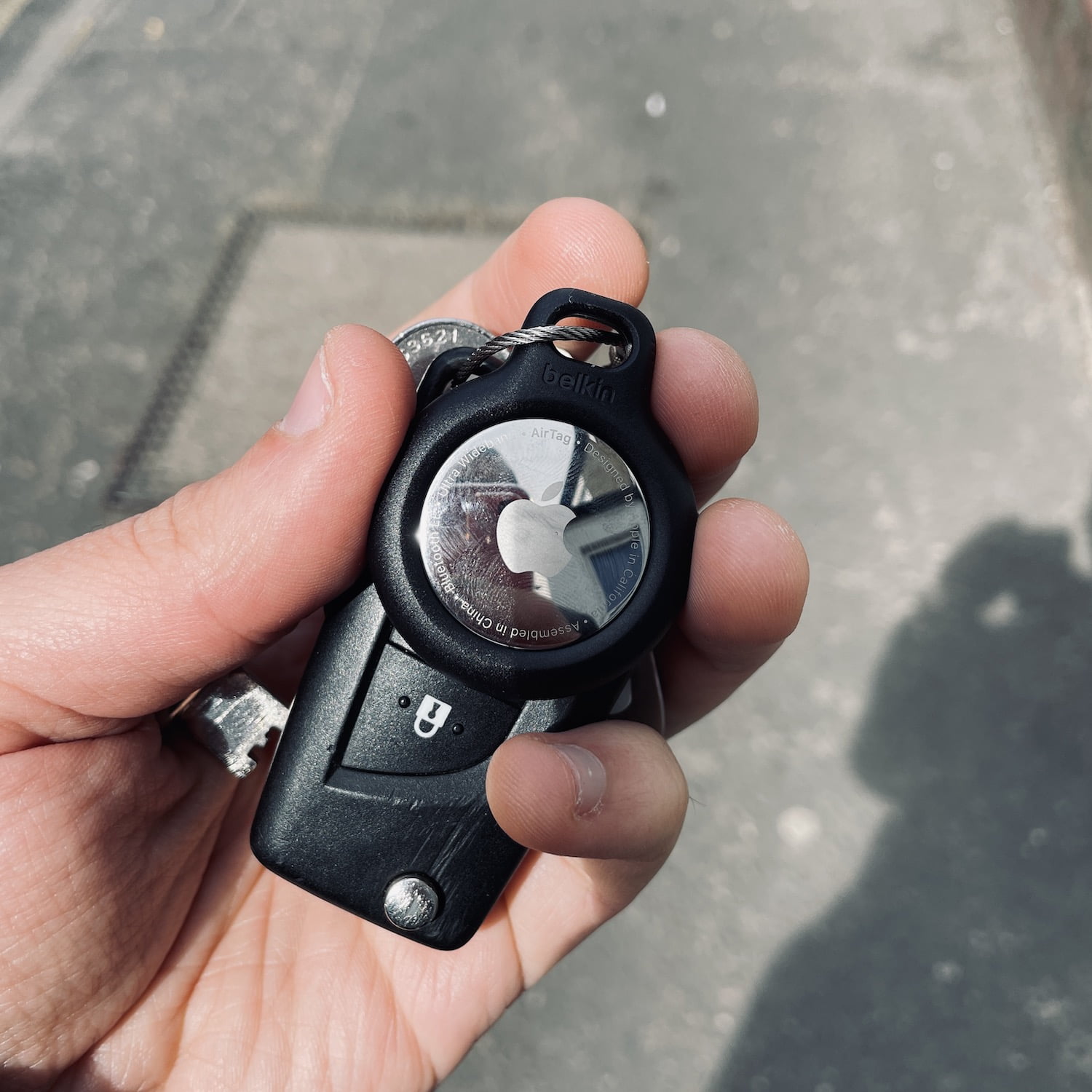
First Impressions: Unboxing & Setup Guide for Apple AirTag
Apple has finally unveiled its long-awaited tracking devices, AirTags. Designed to help iPhone users locate misplaced items with ease, these compact gadgets tap into the extensive Apple network for a swift recovery.
Unboxing
AirTags come packaged in a sleek, minimalist box, reminiscent of other Apple products. Upon opening it, you’ll find the AirTag itself nestled inside, along with a user manual and a replaceable CR2032 battery.
Setup Process
Setting up your AirTag is straightforward:
- Remove the plastic cover from the back of the AirTag to access its battery compartment. Insert the CR2032 battery and close the compartment.
- Bring your iPhone near the AirTag, and tap the ‘Connect’ notification that appears on your screen.
- Name your AirTag (e.g., “Keys” or “Laptop”) using the keyboard or voiceover.
The AirTag is now paired with your iPhone. You can attach it to an item you frequently misplace, like your keys or a piece of luggage.
AirTag in Action
To locate your item:
- Open the ‘Find My’ app on your iPhone.
- Tap on the tab for the AirTag you want to find.
- If your item is nearby, tap ‘Play Sound’. Your AirTag will emit a loud chime to help you pinpoint its location.
For items out of Bluetooth range:
AirTags utilize Apple’s extensive network of iPhones and other devices to locate your lost item. When an AirTag is detected by another device, it will report its location to the Find My network.
Initial verdict: AirTags offer a simple, effective solution for tracking misplaced items within the Apple ecosystem.

1 comment