
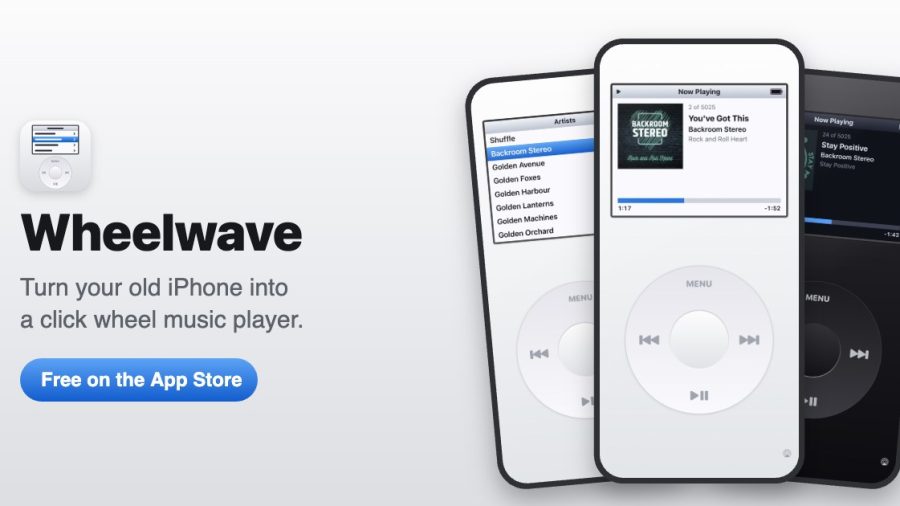
Most of us have an old iPhone sitting in a drawer. It still turns on, the battery is just about fine, but it’s too slow or too out of date to be your main phone. I’ve just released a free app that gives it a new job: Wheelwave turns it into a dedicated music player, with a click wheel, simple menus and your own music library.
Full disclosure: I made it. So rather than a review, this is a look at what it does, what you need, and who I think it’s for.
Wheelwave: The Quick Verdict
What it is: A free music player app with a click wheel, for iPhone and iPad
Price: Free. No subscription, no ads, no account
Works with: Music in your library (synced, purchased or downloaded) and Apple Music if you subscribe
Runs on: iOS 15 and later, including the iPhone 6s, iPhone 7 and original iPhone SE
Skip it if: Your music lives in Spotify, as Wheelwave only plays your Apple Music library
The click wheel
The whole screen is built around the wheel. Circle your thumb to scroll through lists, press the centre to select, and press MENU to go back. You can adjust how sensitive the wheel is, and there are haptics and optional click sounds, so it feels like you’re turning something rather than swiping glass.
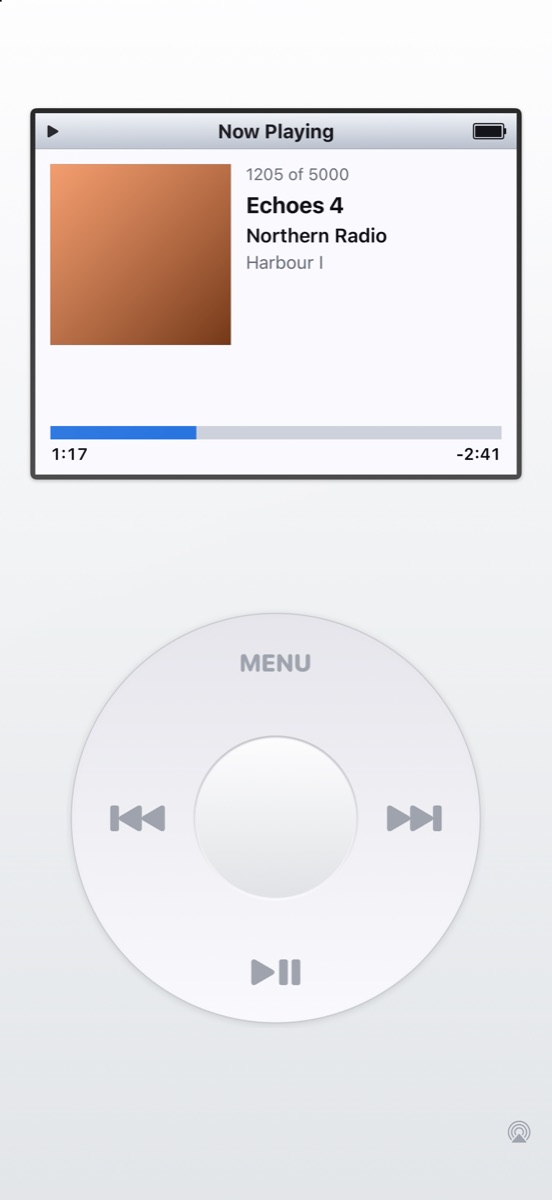
On the Now Playing screen the wheel controls volume, or you can switch it to scrub through the song. The buttons around the edge skip tracks and play or pause, just as you’d expect.
Browsing your library
From the main menu you can browse playlists, artists, albums, songs, genres and recently added music. There’s also a search screen where you pick letters with the wheel, which is more fun than it should be.
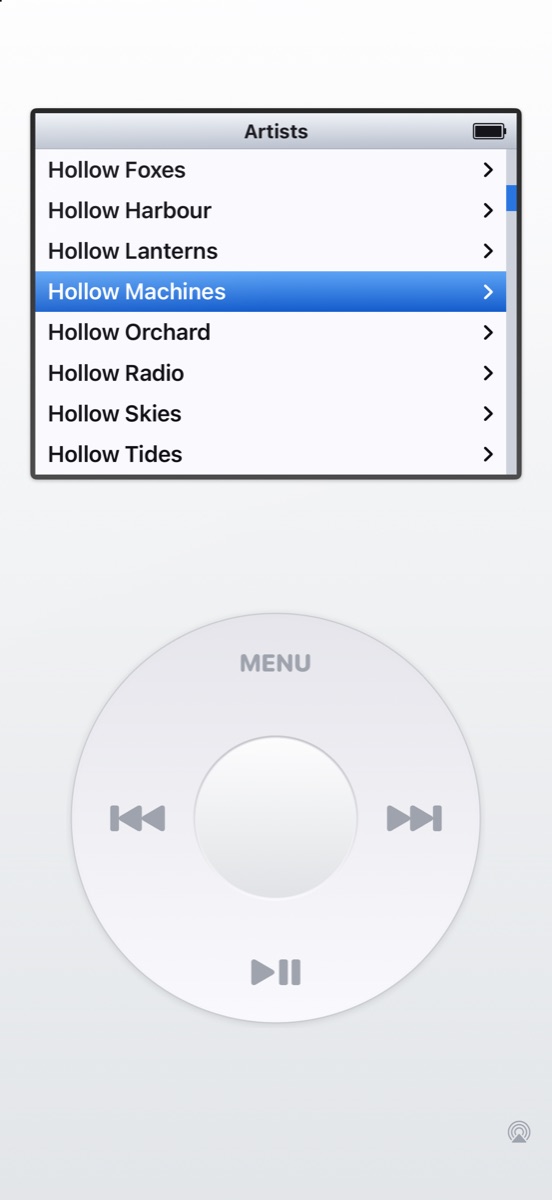
Lists stay quick even with a big library, because the app only ever draws the rows that are on screen.
Speakers and AirPlay
Wheelwave plays through Apple’s own music player, so the Lock Screen controls, AirPlay and Bluetooth all work as normal. There’s a button to pick your output, so you can send music to a speaker from the app.
That also makes it a good fit for an old iPhone left plugged in next to a speaker, as a dedicated player for the kitchen, the garage or a kid’s bedroom.
Make it yours
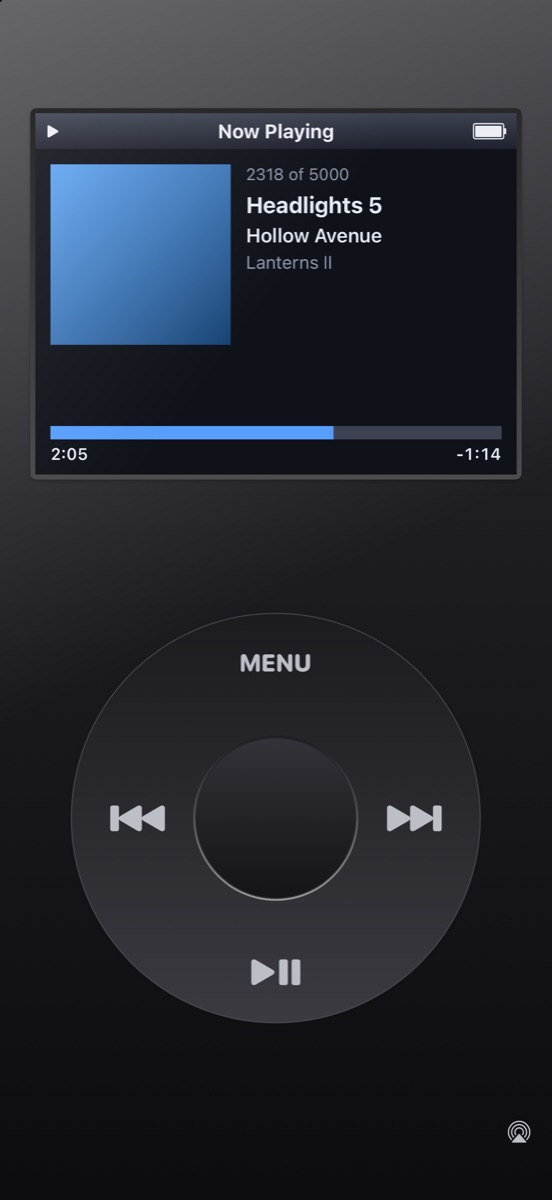
There are four device colours (White, Black, Silver and Seafoam) and four screen themes: Colour, Night, Amber and Mono LCD. I’m a big fan of black with the Night theme for evening listening.
On iOS 17 and later there’s also a Home Screen widget showing the current track, with buttons to play, pause and skip.
Privacy
Wheelwave doesn’t collect any personal data. There are no accounts, analytics, ads or tracking, and nothing you do in the app is sent anywhere.
What you need
- An iPhone or iPad running iOS or iPadOS 15 or later
- Music in your library, or an Apple Music subscription
Download Wheelwave
Wheelwave is free on the App Store: Download Wheelwave
You can find out more on the Wheelwave website. If you try it, let me know in the comments what you’d like to see added next.
Wheelwave is an independent app, not affiliated with or endorsed by Apple Inc.
