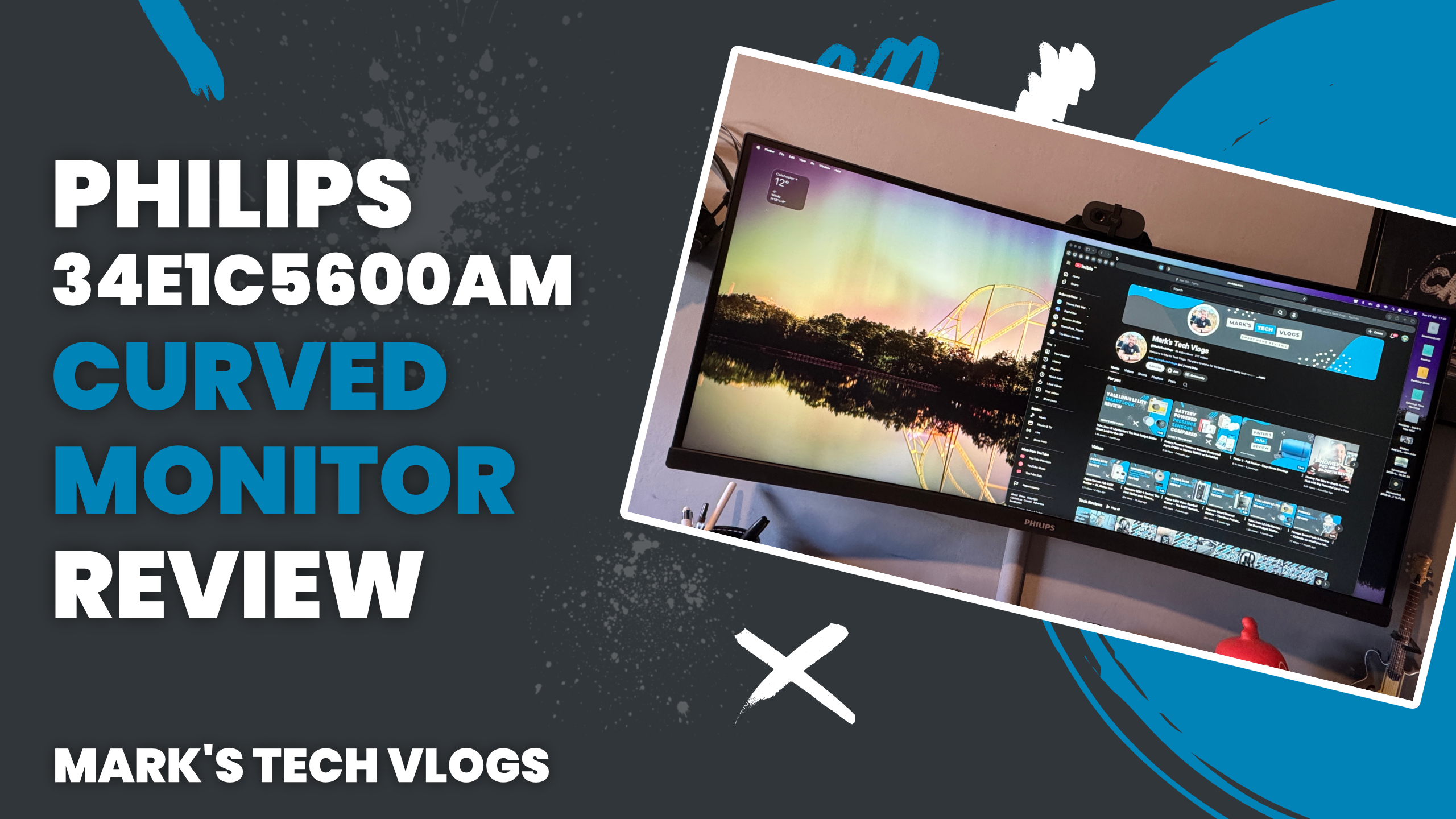
Philips 34E1C5600AM Review: 34” Curved Ultrawide Monitor for Work & Creativity
The Philips 34E1C5600AM is a 34-inch curved ultrawide monitor designed with productivity, creative work, and everyday use in mind. After several months of daily use for remote work, music production, and video editing, here’s my comprehensive review.
Price and Value
The Philips 34E1C5600AM typically costs around £340, but deals can bring it closer to £290. While there are cheaper ultrawide monitors available, Philips displays are known for their build quality and longevity, making this a solid long-term investment.
What’s in the Box
- Philips 34E1C5600AM monitor
- Adjustable metal stand
- Power and connection cables
Key Specifications
- 34-inch curved display
- 3440 x 1440 resolution (21:9 ultrawide)
- Up to 100Hz refresh rate
- QLED panel with 3000:1 contrast ratio and anti-glare coating
- 1x HDMI, 1x DisplayPort, 1x USB-C, and 4x USB ports along with headphone out
- USB-C power delivery for laptops
- Built-in 5MP webcam with microphone and privacy cover
- Dual 5W speakers
Design and Build Quality
The Philips 34E1C5600AM features a clean, professional design with a matte black finish. The bezels are slim on three sides, with a slightly thicker bottom bezel that includes the Philips logo. The rear houses all ports, controls, and a VESA mount for alternative setups. The included stand is sturdy, metal, and adjustable, offering good ergonomic flexibility.
Setup and Connectivity
Setup is straightforward using either the included stand or a VESA mount. Once connected, the Philips 34E1C5600AM works immediately, and the webcam is plug-and-play. USB-C connectivity allows for a single cable connection for display output and laptop charging—ideal for devices like a MacBook Pro.
Performance and Daily Use
The standout feature of the Philips 34E1C5600AM is its sheer amount of screen space. The 21:9 ultrawide format makes multitasking effortless, comfortably fitting multiple full-size windows side by side. This is particularly useful for:
- Video editing with expanded timelines
- Music production with multiple plugins visible
- Coding alongside a live browser preview
- General multitasking and productivity workflows
The anti-glare coating performs well even in bright environments, and the display remains comfortable for extended use. Enabling the low blue light mode further improves long-session usability.
Ports and Practical Use
All input options—HDMI, DisplayPort, and USB-C—perform reliably. The USB-C connection stands out by reducing cable clutter and powering your laptop simultaneously. The additional USB ports can be useful for permanent connections, though accessing them can be inconvenient due to rear placement.
Audio and Webcam
The built-in speakers are adequate for calls but lack the quality needed for music or media consumption. The weakest aspect of the Philips 34E1C5600AM is the webcam. Despite being a 5MP sensor, image quality is poor, appearing pixelated even in good lighting and struggling significantly in low light.
Controls and Interface
The monitor is controlled via a single multi-directional joystick on the rear. While it takes a short time to learn, it becomes intuitive and is more efficient than multiple-button setups. Philips continues to offer one of the better on-screen display interfaces among monitors in this category.
Final Verdict
The Philips 34E1C5600AM delivers an excellent ultrawide experience with strong resolution, smooth performance, and great usability for productivity and creative work. Its combination of screen space, image quality, and USB-C functionality makes it a compelling choice for home offices and multi-tasking setups.
While the webcam is underwhelming and most users will want to replace it, this doesn’t detract from the overall value and performance of the monitor. For pricing and availability, check out the Philips 34E1C5600AM.
