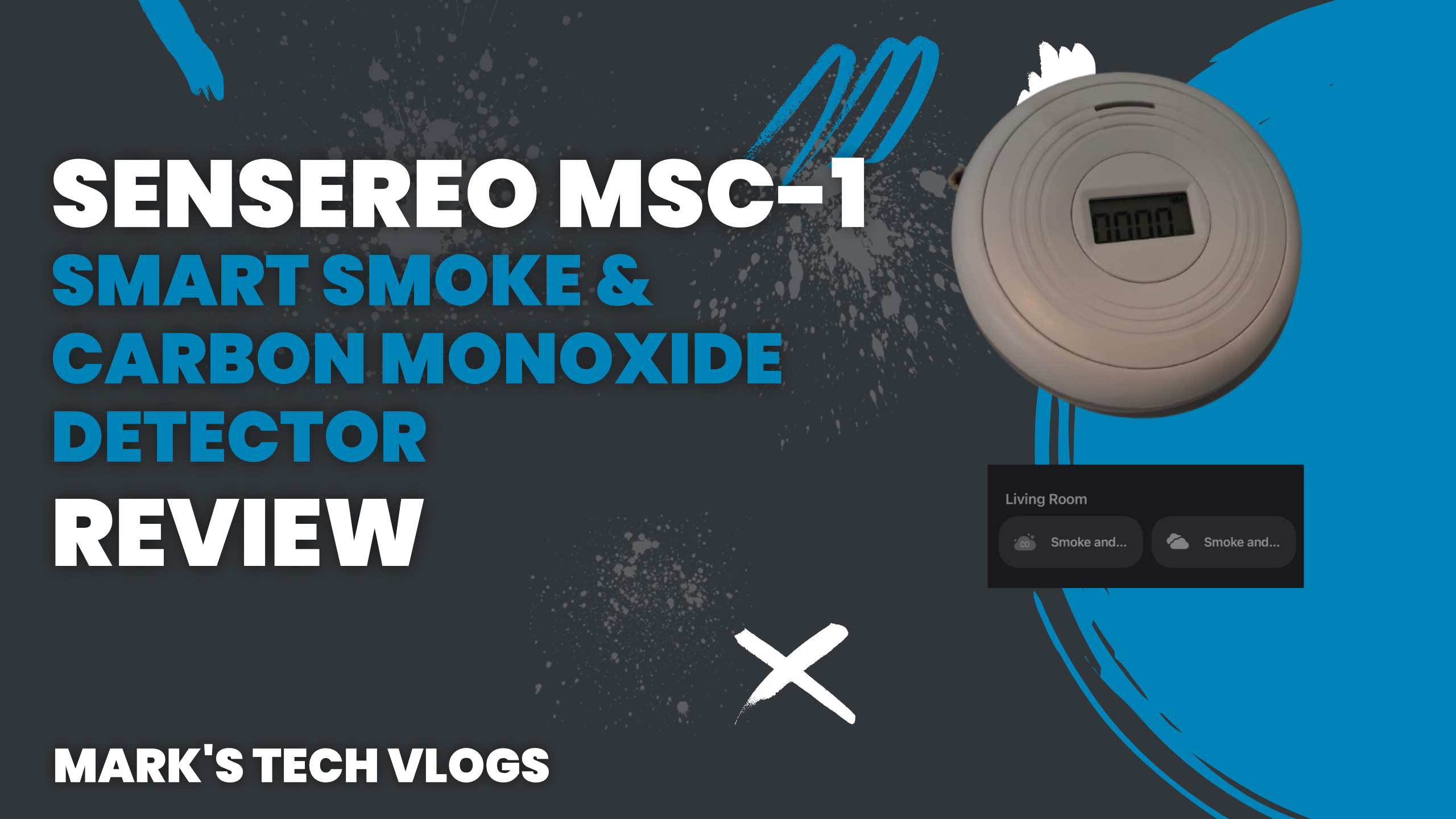
The Sensereo MSC-1 is, as far as I can tell, the first ever Matter over Thread smoke and carbon monoxide alarm. Before this, the closest we had was Google’s Nest — which only worked in Apple Home through Home Assistant or a third-party dongle. Google have since discontinued the Nest line, which has been a long time coming.
Sensereo sent me the MSC-1 to review but had no idea what I was going to say.
Price
The MSC-1 is $70. That puts it above non-smart smoke alarms, but below what the Nest used to cost — and it does the job of two sensors. Check out the Sensereo MSC-1
Specs
Being Matter compatible, it works with Apple Home, Homey, SmartThings and Google Home. It also works with Home Assistant, where you get a few extra options. I tested it with both Home Assistant and Apple Home.
The front of the device has a screen showing a real-time CO reading in ppm, and that figure is exposed to Apple Home alongside the battery level — for both the smoke and CO detectors separately.
For smoke detection it uses infrared scattering technology and can detect flaming fires as well as smouldering smoke. It meets the relevant European safety standards and works perfectly fine even if you never pair it to a smart home.
Power comes from a CR123 battery rated for around 3 years of normal use. The device can be ceiling or wall mounted.
One thing worth noting: there’s no scheduled self-test option in Apple Home. You can press the physical button, and Home Assistant does expose a self-test option you could build an automation around — but Apple Home users are limited to the manual button press. The Meross smoke alarms I’ve reviewed handle this better, with a built-in test schedule. It’s a minor thing but worth knowing.
Design and Installation
It looks like most smoke alarms — rounded, with a ring light on the outside and the display on the front. The back is removable for mounting. Nothing surprising, which is fine. You want a smoke alarm to blend in.
Installation is straightforward. Screw the mount to the wall or ceiling using the included screws and raw plugs, then pair the alarm before clipping it in.
To pair with Apple Home, flick the switch on the communications module on the back, open Apple Home, tap the plus icon and scan the QR code on the back. It paired without any issues. From there, I put it into pairing mode through Apple Home to add it to Home Assistant, which also worked without a hitch.
It shows up in Apple Home as two separate devices: a smoke detector and a carbon monoxide detector.
Using It
These are devices you hope you never actually need. But smart alarms do have real advantages over standard ones.
The obvious one: you get a critical notification to your phone and Apple Watch wherever you are, so if something triggers while you’re out you can act on it — contact a neighbour, check a camera, whatever’s needed.
The second advantage is automations. I have one set up so that if either alarm triggers, every light in the house turns on. That’s not just convenient — in a genuine emergency in the middle of the night, it could matter.
Does It Work?
For CO, Sensereo advise against exposing the sensor to actual carbon monoxide for testing purposes, so I’ve stuck to the self-test button rather than improvising something.
For smoke, I’d normally light something up and see what happens. I haven’t here, because Sensereo have deliberately made this alarm slightly less hair-trigger than some alternatives — while still meeting the EN14604 standard. The design targets smouldering smoke as well as flaming fires, which is the harder and more important job. In day-to-day use it hasn’t triggered accidentally, which is what you want.
Verdict
The MSC-1 is a solid, no-fuss smoke and CO alarm that pairs cleanly with Apple Home and Home Assistant. At the moment it’s the only dual smoke and carbon monoxide Matter alarm I know of. It’s more expensive than the smoke-only options from Aqara and Meross, but cheaper than the Nest ever was — and it covers both gases in one unit.
The only real gap is the self-test scheduling, which is Home Assistant-only for now. If Sensereo release their own app down the line that could be worth revisiting. For now it’s a minor inconvenience rather than a dealbreaker.
Check out the Sensereo MSC-1
