Repenic Smart Dimmer Review – Premium Zigbee Smart Light Switch for Advanced Smart Homes
This review of the Repenic Smart Dimmer is a definitive guide to upgrading your smart home lighting without replacing existing switch plates, focusing on users who desire high-end build quality and deep integration with platforms like Home Assistant. While many affordable options exist via smart bulbs, this device stands out for those who prefer physical wall switches that are more intuitive than voice commands or presence sensors alone.
Verdict
The Repenic Smart Dimmer is a premium choice offering excellent build quality and flexibility in your home’s existing electrical infrastructure. Its lack of requirement for a neutral wire makes it particularly suitable for older UK homes, while its Zigbee architecture ensures low-latency control within advanced ecosystems.
Design and Build Quality
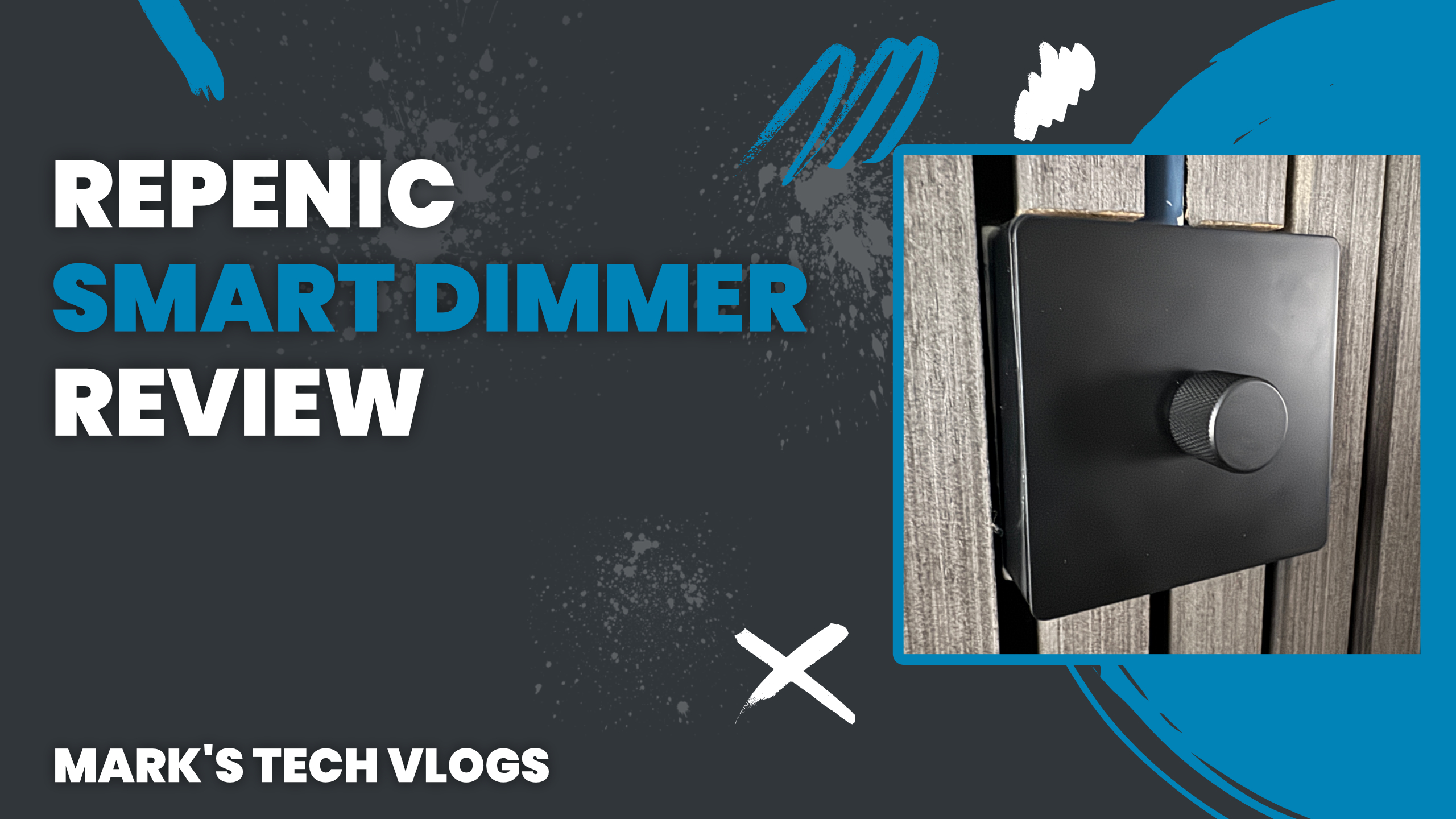
The first thing that struck me about the Repenic Smart Dimmer is its build quality. These smart dimmers are made from stainless steel and feel incredibly premium in the hand, which gives a solid sense of ownership for any installation project you choose to start on today.
Aesthetic Finish Options
The unit comes available in multiple finishes including silver, white, bronze and black. The specific model I’ve been testing is the black version, and it looks fantastic once installed within your existing interior schemes. Unless you know that it’s a smart device at all glance, you’d easily mistake this high-end traditional dimmer switch for something simpler to install with no need for advanced hubs.
Fitting Considerations
The rear of the unit is where technical compatibility matters most since it doesn’t protrude excessively from wall plates. However, if you have a narrower back box like I do personally in older properties, you may indeed need an adapter spacer to make fitting easier and safer for future maintenance.
Specifications and Compatibility
The Repenic Smart Dimmer operates via Zigbee protocol, which means that users will require a compatible hub installed somewhere nearby. My personal experience has been using it with Home Assistant alongside a robust USB dongle, where the communication link remains extremely reliable for automation triggers.
Platform Support
This is not merely a Wi-Fi switch designed to rely on an app server in another country; rather, you must use a dedicated hub solution. It’s specifically built more towards advanced smart home users running platforms such as Home Assistant or similar systems where local control matters immensely for privacy and latency.
Bridges and Integration
The manufacturer also states that it is compatible with Philips Hue bridges, which expands your integration potential significantly. Because the hardware uses Zigbee standards directly from start to finish, you can easily integrate this Repenic Smart Dimmer into Apple Home or other ecosystems via your smart home controller if you require cross-device functionality.
Installation Process
If you are not confident working with mains wiring inside a wall cavity yourself using standard tools and safety equipment provided by qualified electricians, always use one for that specific task. That said, installing this light switch is relatively straightforward if you know what you’re doing when handling your domestic consumer unit.
Mechanical Setup
To install the Repenic Smart Dimmer properly within a wall cavity without stripping wiring completely from back boxes, remove the original knob by pulling it off. Then unscrew the outer components to separate any module from its faceplate if you intend on recycling parts or using spacers in place of new ones.
Circuit Connections
The wire that was connected to COM or Live on your old switch simply goes directly over to terminal marked L. The return cable connects back to the terminal with the wavy line graphic printed clearly for identification purposes during initial power down setup phase only when necessary.
Everyday Use and Smart Home Integration
Out of the box, the Repenic Smart Dimmer works exactly like a traditional dimmable light switch without requiring any complex configuration steps. You can turn your lights on or off and adjust brightness by twisting the knob with simple gestures during operation.
No App Required for Basic Use
This makes it ideal for households where not everyone wants to use voice assistants all day long via smartphone apps that might be difficult for guests. The hardware behaves like a normal dimmer but adds powerful smart functionality in the background so no one has to install an app.
Conclusion
The Repenic Smart Dimmer allows you to maintain familiar user experience while adding intelligent layer capabilities on top of existing switchgear for long term use. It behaves like a normal dimmer but adds powerful smart functionality in the background, integrating well with Home Assistant and Apple Home.
Maintenance and Configuration
Within Home Assistant, you can access detailed metrics including current flow readings, voltage stability checks, power consumption data points stored locally for energy usage logs. Because of this full integration support from start line onwards in software development environments or cloud dashboards alike.
Circuit Automation Examples
You can configure the default brightness level on first startup as well as adjust behaviour when there is a power loss event that happens suddenly at home. You might also use this information to set up complex automations based strictly state changes in your Zigbee network.
Purchasing Options
The 1-gang version costs around £79 on average, making it one of the more expensive smart light switches available currently online. However, replacement modules are sold separately for roughly £30 should you ever need to replace internal circuitry.
Pricing Availability and Final Thoughts
If your module fails in service years later due to power surge issues or wear over time of daily usage cycles throughout your home life. You can keep the stainless steel faceplate installed as part of original installation plan while you swap out internal modules for cost effective replacement.
Circuit Compatibility Details
You must use this device with a dimmable, non-smart light bulb to ensure smooth operation without flickering or buzzing noises when adjusting brightness levels on command. For those needing multi-way control setups, Repenic provides options for 2-gang and 4-gang versions along with various wall box depth requirements.
Ecosystem Flexibility
In my setup it is exposed to Apple Home through the software integration layer running as a dimmable light type device. Everything functions locally without needing internet connectivity for basic lighting control, ensuring excellent responsiveness when you are offline from home networks entirely.
