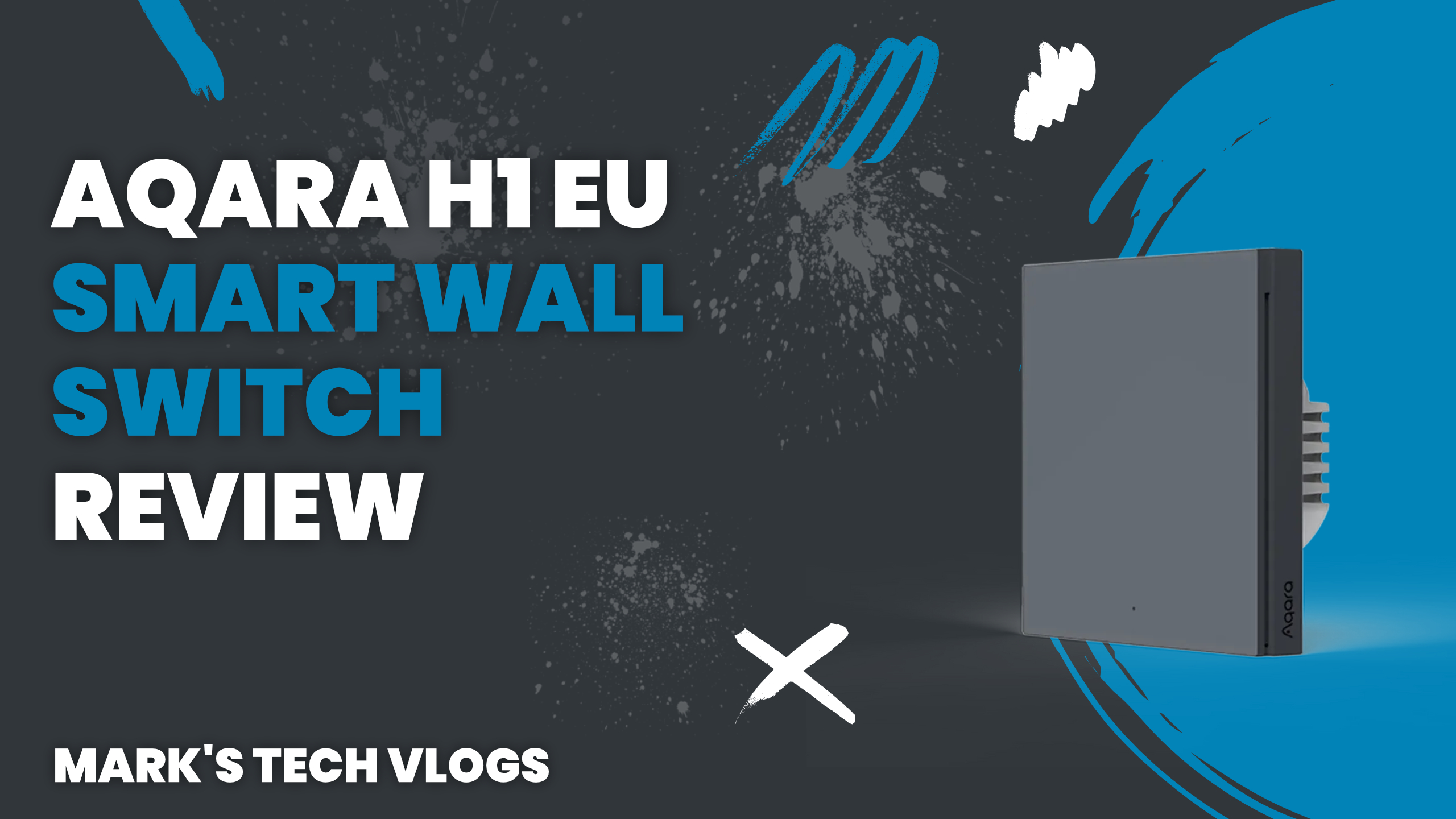
Aqara H1 EU Smart Wall Switch Review
The Verdict and Summary:
This Aqara H1 EU is a solid choice for anyone looking to add smart lighting without rewiring for a neutral wire, as it performs very well in real-world usage. It’s easy to install with an existing hub like the Apple Home or Google Home integration available right out of the box if you already have one running on Zigbee 3.0. If you’re seeking reliable and stylish control that balances physical switches with smart automation scenes, this model is definitely a great option.
The Setup:
Introduction Finding smart light switches in the UK can be challenging specifically since most require a neutral wire which many homes don’t have. I’ve previously reviewed the H2 switch for comparison but for my bedroom I wanted a black finish so I picked up the slightly older Aqara H1 EU No Neutral version instead of waiting.
Pricing and Options
The Aqara H1 EU switch retails at £32 which is affordable, coming in black or white with single or double rocker options. None of these require a neutral wire, so it works perfectly for UK homes without needing the expensive retrofit job.
Design and Build
The design remains simple yet modern throughout construction where the black version looks particularly stylish against most wall textures. The button is very responsive allowing you to click the whole surface easily rather than just a small center point which feels satisfying when pressing.
Technical Specifications and Features
This unit uses Zigbee 3.0 for stability but requires an Aqara Hub starting at £20 or other compatible hub software to function correctly in the app ecosystem. It features advanced overheating protection built-in alongside support for Apple Home, Google Home, Amazon Alexa and Home Assistant when paired with that same hardware.
Installation
The H1 is slightly thicker than an average light switch so you might need a spacer to make it fit into the existing faceplate hole comfortably. Start by removing your old plate, ensuring power is off before swapping wires from the standard breaker board directly into the new unit.
App Settings and Performance
You can then attach the switch to the wall again after mounting it carefully with screws so that backbox alignment stays level while front hook mechanism slides in easily. Replace faceplate, turn power on open Aqara app hit plus button follow instructions pairing it directly within your hub setup.
Smart Home Automation
You can then name the device and assign it to a room location for consistent mapping. If your Aqara Hub is already set up in Apple Home, switch will appear automatically without needing manual pairing again after restart.
Note: Compatibility Warning
Note: Using a smart bulb with this standard dimmer may cause it to lose power and go offline completely if not matched correctly. The Aqara H2 EU does work well for their own branded bulbs specifically.
Usability Experience
I’ve been using the Aqara H1 EU for a few months now and it performs very well under load conditions. You can use it like a normal light switch while still taking advantage of smart automations built into your main system.
Pros and Cons
This provides convenient operation especially less tech-savvy family members who prefer tapping physical buttons over voice commands only. It’s easy to operate with light touch even using elbow when hands are full carrying groceries or other items around the house.
- Pros: Affordable and reliable, modern design especially black version works well in dark room conditions. Stays online consistently without random disconnecting issues often found on older hardware models.
Cons
This doesn’t work with third party smart bulbs which requires specific firmware updates or different switch model entirely for full integration capability within ecosystem.
- Cons: This doesn’t work directly with many standard Zigbee E27/LED bulb types currently. The Aqara H2 EU works specifically with their own smart bulbs to avoid signal interference problems reported by users online regularly.
Conclusion
is a solid choice for anyone looking to add smart lighting to home without rewiring neutral wire connections which are hard find in older UK properties. It’s easy install using spacers if needed, integrates well with multiple platforms and combines physical tactile control with automation capabilities seamlessly.
This provides convenient operation especially less tech-savvy family members who prefer tapping physical buttons over voice commands only. It’s easy to operate with light touch even using elbow when hands are full carrying groceries or other items around the house.
- Pros: Affordable and reliable, modern design especially black version works well in dark room conditions. Stays online consistently without random disconnecting issues often found on older hardware models.
