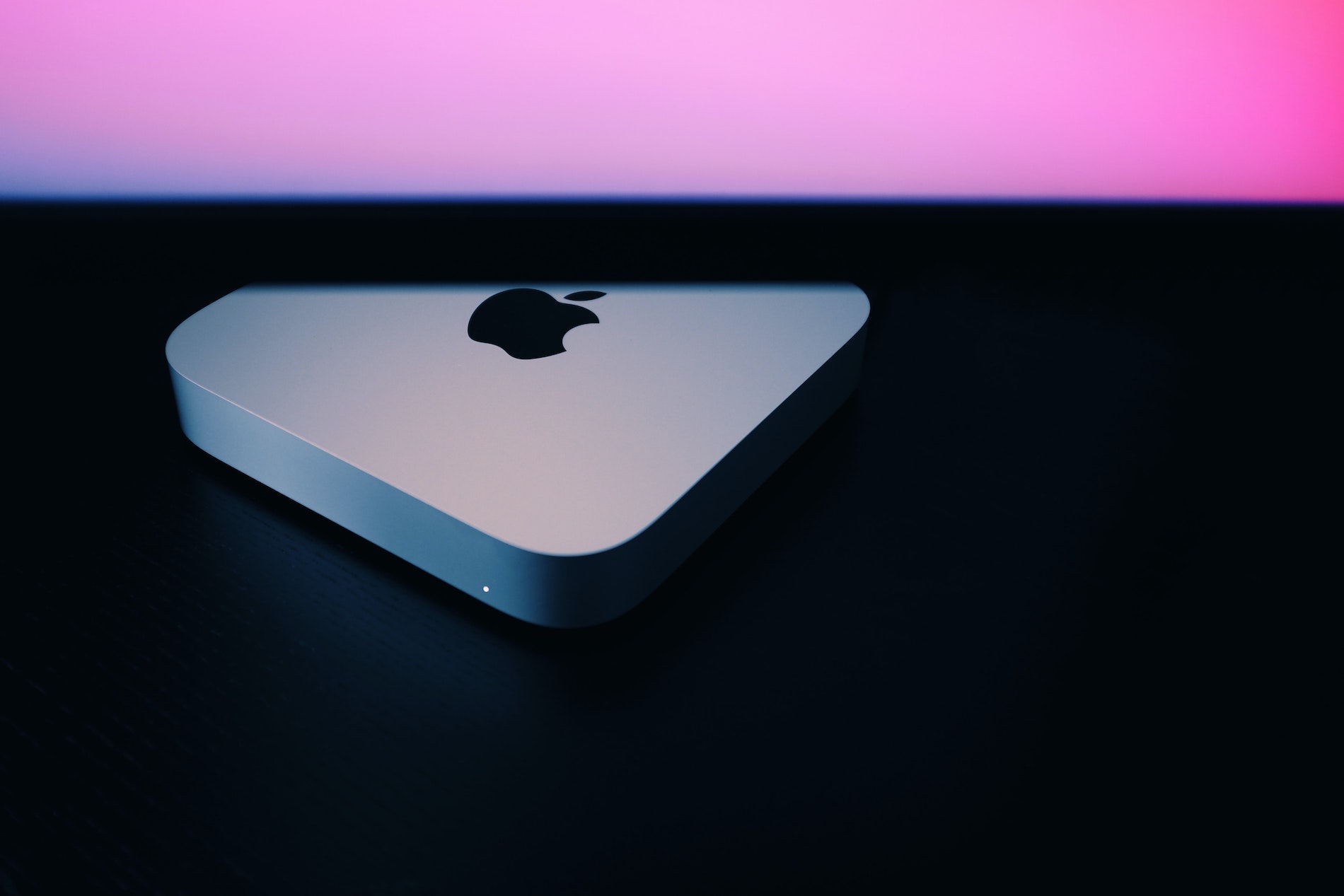
Apple M1 Mac Mini Web Development Review
If you’re looking for a new machine to run on your full time job as a web developer or any other task requiring power in terms of speed or features then the Apple M1 Mac mini is a solid choice that gives you the most Mac for your money. This device improves my workflow significantly and I can honestly say it has been an absolute powerhouse throughout six months of daily use.
A year ago, we saw
The Design
The design of the Mac mini has remained largely unchanged for a number of years. It’s a relatively small, lightweight box with rounded corners that stands out on any desk because it is pretty slim and looks great in almost every setting.
This unit maintains portability enough to be able to easily put into a carry case when you need to go between home and the office without much hassle or effort regarding carrying weights. You simply slide this relatively small, lightweight box with rounded corners right along your sleeves if it was meant for transport rather than just sitting on desk at home.
The Specifications
The M1 Mac mini starts at 8gb RAM with 256GB memory and an 8 Core CPU which gives a starting price of £699 making this the cheapest Mac currently available for purchase. For developers however I’d recommend going up to the 16gb model and increasing that memory limit too because once you have purchased it, you cannot upgrade these components in the future.
I went for the maxed out 2TB memory option as I use a lot of large video and audio files alongside my regular web development projects so having space is critical. Alongside the processor speeds the Mac mini has the most ports out of the M1 Macs boasting 2 USB A ports, 2 USB C/Thunderbolt ports which are essential for high bandwidth connections.
There is a HDMI port included alongside these options as well as an audio out and a standard ethernet port that you can plug into your router directly. Between those USB C and HDMI ports it can run two monitors at once, which helps with multitasking in the studio environment while boosting productivity through expanded workspace.
The device boasts Wifi 6 and bluetooth as well; although there were some initial issues reported earlier on with bluetooth connections I have not experienced any of these connection problems after a year. Finally, it’s powered by a standard figure-of-eight cable which means you can easily and cheaply have spare power cables lying around for easy swapping when needed without needing proprietary adapters.
Development Experience
Now onto the reason why you’re here: What’s the M1 Mac mini like specifically for web development? The big concern for many people at launch was whether all of their existing apps would work with this new hardware and a year later there are no issues to speak about whatsoever.
Your usual code editors open without problems (for me that’s Visual Studio Code), Node packages install at lightning speeds, Apple and Android phone emulators load quickly if you’re into app development. You can easily spin up local WordPress sites for development with apps like Local which streamlines the process of getting environments ready.
In short I have had no major compatibility issues even though there were initial apprehensions about the M1 chip architecture affecting legacy software support or emulators running slowly on older systems today.
Multimedia & Performance
I am into music and video production as well, alongside my main development work so I wanted to know how this machine handles creative tasks too. The Mac mini handles these without any issues whatsoever even under load with Huge multi-track Logic Pro files opening quickly.
You can edit, mix and export projects without the fan kicking in due to power draw concerns often seen on desktop systems where fans spin up constantly during editing sessions for hours on end.
Final Cut Pro X
Multimedia & Performance (continued)
It lets you drag in 4K video and start editing it straight away without needing to wait or load screens while rendering files over longer durations. With regards to other applications everything opens pretty quickly across the board.
The reality is different from those first few ‘open every app’ videos that were floating around YouTube a year ago but loading speed isn’t something I’d complain about at all, even more intensive apps open in a matter of seconds which keeps workflow moving forward smoothly during complex tasks or heavy builds on code projects.
The Verdict
If you’re a developer looking to get a new Mac then the Mac Mini gives you the most machine for your money and if you’re happy with using an external monitor and losing the portability of a laptop then I think it’s definitely the way to go.
It is packed full of features, acts as an absolute powerhouse for getting things done quickly without delays or freezes in daily usage. The performance improvements genuinely make my workflow more efficient across all departments including local development environments and media processing tasks that require high fidelity rendering output.
