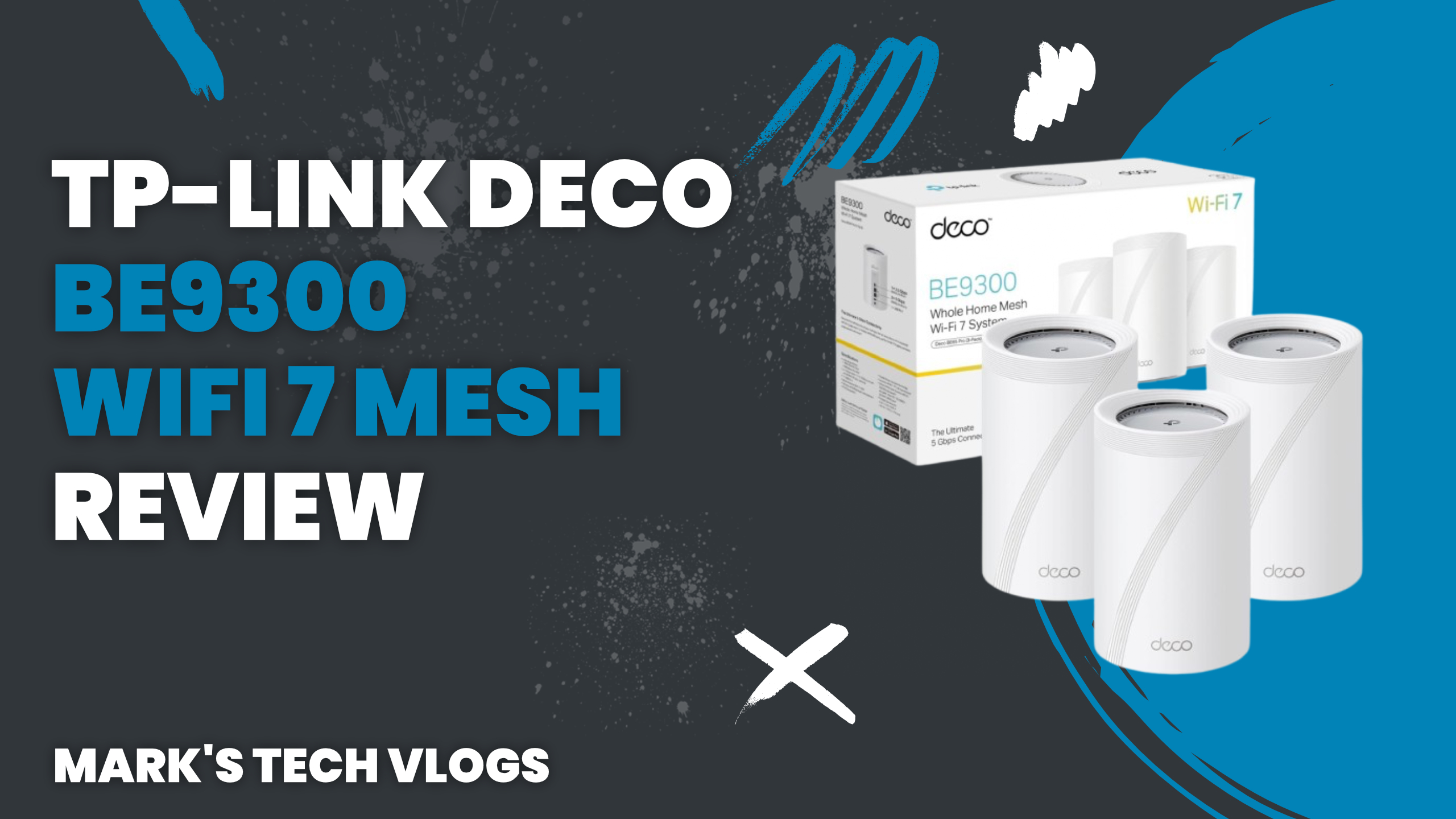
This article is based on my real-world testing of the TP-Link Deco BE9300 in my own home network. While the devices were sent to me by TP-Link, this is not a sponsored review and they had no input into my opinions or conclusions.
Why I Switched to the TP-Link Deco BE9300
I’ve been using mesh Wi-Fi systems for years, most recently relying on Eero routers. While they worked reasonably well, I’d been looking for an alternative that offered strong performance, better smart home support, and a way to move away from Amazon-owned hardware.
When TP-Link offered to send over the Deco BE9300 three-pack, it felt like the perfect opportunity to properly test a high-end Wi-Fi 7 mesh system in a busy, smart-home-heavy environment.
TP-Link Deco BE9300 Pricing
At the time of testing, the TP-Link Deco BE9300 three-pack was priced at around £460, with an RRP closer to £600. This firmly places it in the premium category, but depending on the size of your home, you may not need all three units.
That said, opting for a larger pack can be a good way to future-proof your network as your household or smart home setup grows. If you want to check current pricing or availability, see: AFFILIATE_LINK_TP_LINK_DECO_BE9300
Key Specifications and Features
High-Speed Wired Connectivity
Each TP-Link Deco BE9300 unit includes four 2.5Gbps LAN ports, which is excellent for smart homes where hubs, NAS devices, and media centres benefit from wired connections. There’s also a USB 3 port on each unit for sharing storage across your network.
Tri-Band Wi-Fi 7 Performance
The Deco BE9300 supports tri-band Wi-Fi 7, operating across 2.4GHz, 5GHz, and 6GHz bands. This extra band helps reduce congestion, especially in homes with lots of connected devices, and the app can automatically optimise channels for each frequency.
TP-Link rates the system for over 200 connected devices, making it well suited to large households or advanced smart home setups.
True Whole-Home Mesh Networking
As a mesh system, each Deco unit acts as a Wi-Fi access point while maintaining a single unified network. This means consistent coverage as you move around your home, without manual switching or signal drops.
Broad Compatibility
The TP-Link Deco BE9300 works with virtually any internet provider or modem. In my setup, it’s connected to a Virgin Media router running in bridge mode without any issues.
It also integrates with Google Home and Amazon Alexa, and you can optionally connect Matter-compatible smart home devices directly to the system.
AI-Driven Network Optimisation
TP-Link includes AI-powered optimisation that learns how devices move and connect around your home. Over time, this helps deliver smoother streaming and better performance where you actually need it.
Dedicated IoT Network
One standout feature for smart homes is the ability to create a private IoT network. This allows smart devices to operate on a separate network segment, improving both security and reliability.
Expandable Deco Ecosystem
The TP-Link Deco BE9300 is compatible with every other Deco model TP-Link has released, giving you plenty of flexibility to expand or mix systems if needed.
TP-Link HomeShield Security
The Deco BE9300 supports TP-Link HomeShield, which offers both free and paid security features.
Free HomeShield Features
- Network and Wi-Fi security scans
- IoT device identification
- Camera security and device isolation
- Basic parental controls
- Device prioritisation
Paid HomeShield Plans
There are two optional subscription tiers, both with a 30-day free trial.
- Security+ (£4.99 per month or £35 per year): adds IoT protection, web protection, intrusion prevention, and detailed reports.
- Total Security Package (£70 for the first year): includes antivirus for Windows, macOS, and Android, unlimited VPN, password management, and identity monitoring.
You can also use your own VPN service, including providers like NordVPN, Surfshark, IPVanish, PureVPN, or a custom VPN.
Setup Experience
Setting up the TP-Link Deco BE9300 requires the Deco mobile app. After creating an account, the app guides you through adding your first unit, either automatically or by scanning the barcode underneath.
A key tip is to reuse your existing Wi-Fi network name and password if they’re secure. Doing this allowed all of my devices to reconnect instantly without reconfiguration.
Once the primary unit is online, additional Deco units are simply plugged in and detected automatically. You can then assign each one to a room for easier management. It’s one of the easiest mesh network setups I’ve ever completed.
App and Management Interface
While there is a basic web interface available, around 95% of the functionality lives in the Deco app. Fortunately, the app is well designed and intuitive.
From the main dashboard, you can see connected devices, test internet speed, manage Wi-Fi settings, and prioritise traffic. You can also rename devices, assign them to family members, and even control which Deco unit they prefer to connect to.
Advanced options include creating a Wi-Fi 7 Multi-Link Operation network, adding Matter devices, running security scans, managing parental controls, creating guest networks, reserving IP addresses, and optimising wireless channels.
Real-World Performance
Over the past month, the TP-Link Deco BE9300 has been running my entire home network with around 50 to 60 connected devices at any given time.
It’s handled remote work, general browsing, smart home automation, NAS access, and 4K streaming on Apple TV without issue. Compared to my previous Eero Pro 6 system, performance has been noticeably faster and more reliable.
Streaming apps no longer buffer, camera feeds in Apple Home load more quickly, and overall responsiveness across the network feels improved, even though my internet connection itself hasn’t changed.
Any Downsides?
If I’m being picky, I do miss having a fully featured, locally hosted web interface instead of relying almost entirely on an app. That said, this is increasingly common with modern mesh systems.
The other obvious drawback is price. The TP-Link Deco BE9300 is expensive, but when compared to other Wi-Fi 7 mesh systems, it’s competitively priced and well suited to demanding households and smart homes.
Features I Haven’t Fully Tested
- The dedicated IoT network, due to the time required to migrate a large existing smart home
- The built-in VPN features included with HomeShield subscriptions
- Matter device management within the Deco app
Final Verdict
With four 2.5Gbps Ethernet ports per unit, USB storage support, Wi-Fi 7 performance, and excellent whole-home coverage, the TP-Link Deco BE9300 stands out as one of the best mesh Wi-Fi systems available for smart homes.
Speed, reliability, and coverage have all improved noticeably in my setup, and it’s handled everything I’ve thrown at it without breaking a sweat.
If you’re building or upgrading a high-demand home network and want something future-proof, the TP-Link Deco BE9300 is well worth considering