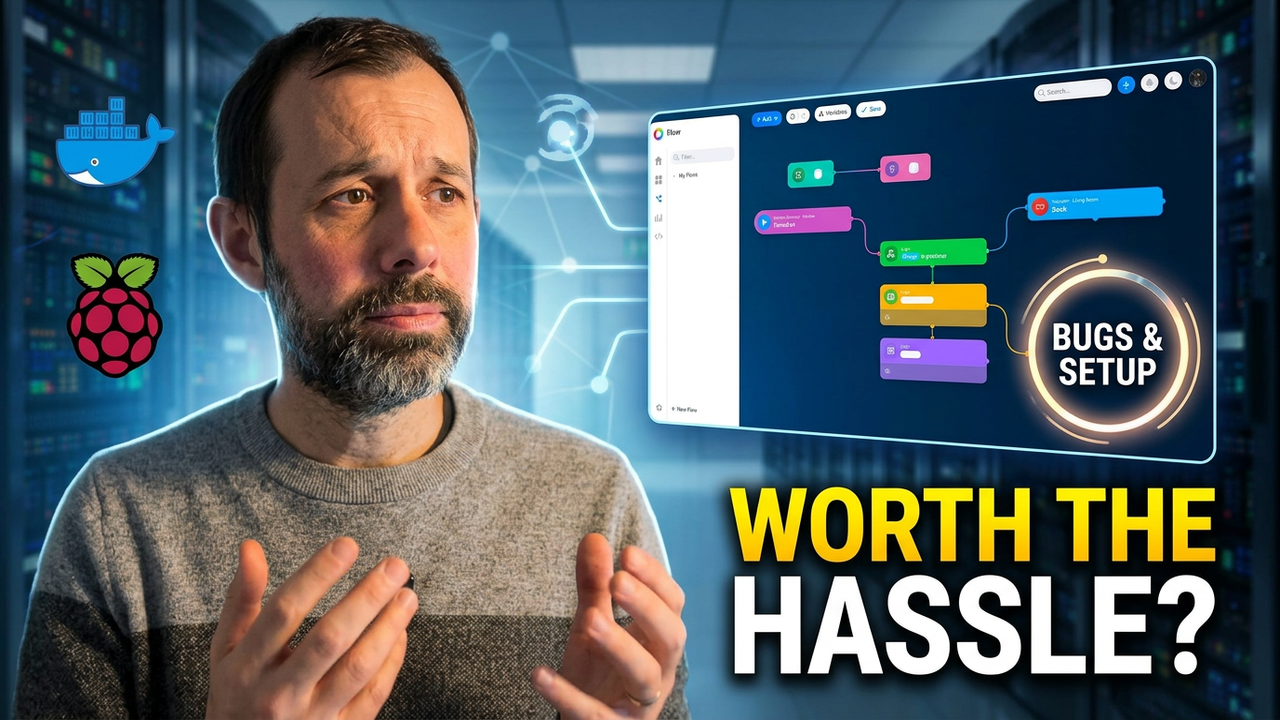
I Tried Homey Self-Hosted Server — It’s a Bit Buggy!
A few hours of testing have led to my verdict: while the self-hosting concept is excellent, this software feels genuinely unfinished and suffers from too many rough edges. The interface remains clean with an automation system that stands out as powerful, but right now it lags behind its dedicated hardware counterparts. I would seriously consider paying for a permanent license if bugs were polished away first.
In December, I reviewed the Homey Pro Mini which is designed to unify your devices in one place. The software impressed me then; it supported most of my smart home ecosystem and allowed complex automations through desktop Flow Builder. However, I did run into issues with Matter devices constantly losing connection, leaving me cautious about relying on it long term.
The Announcement
Then at the end of December Homey announced something interesting: a self-hosted server version of their platform. In theory this is a great idea because instead of buying dedicated hardware you can run the software yourself on existing gear like Windows machines, macOS systems, Raspberry Pi devices and certain NAS units.
Limits and What You Need
If you already have compatible 24/7 running equipment—maybe an old Mac Mini or a Network Attached Storage system—you can potentially get the full Homey experience without needing another box plugged into your network. Naturally I wanted to try it immediately.
Hardware and Integration Constraints
The self-hosted server supports Matter devices and integrations through manufacturer apps but there are some important limitations you need to know about right now. If you want support for Zigbee, Z-Wave, Bluetooth infrared or 433MHz devices, you still need a Homey Bridge which costs around £70.
This is the tricky part regarding platform choices because unlike platforms such as other major smart home hubs, you can’t use third-party USB dongles or hardware built into your computer. Even worse there’s currently no Thread support at all which immediately feels like a big omission given how important this standard has become in recent years.
Moving on to macOS Installation
To be fair the installation process itself is straightforward enough. You download the app drag it into your Applications folder and launch it from there normally.
The software runs from the macOS menu bar then you use Homey mobile application to complete setup though oddly you can’t do initial configuration through a browser even once connected everything worked fairly polished for home layout floors rooms etc.
Safari Interface Issues
Add more interesting behavior occurred with web interface compatibility. Once configured I found the web interface didn’t work properly in Safari despite physical Homey device working perfectly there when reviewed previously last December. That’s particularly odd considering it effectively is same underlying interface used everywhere.
Ecosystem Updates
The mobile application handles adding devices using downloadable apps and has a decent ecosystem of third-party integrations available for use today now.
A positive change since my earlier review involves the official Home Assistant integration being back after removal by Tuya previously so seeing it return officially feels good news. I also tried re-adding one of Matter devices that kept disconnecting previously which took an unusually long time to pair and didn’t inspire confidence immediately there.
The Bugs
This is where experience started falling apart for self-hosted server right now mainly in stability issues regarding apps. For example whenever I tried adding new software packages through mobile app Homey would open a login popup authenticate successfully then throw an error page requiring manual retry multiple times before finally working.
Tuya Integration Problems
This happened consistently and simply didn’t occur on dedicated Hardware tested previously during review. Then there was the Tuya integration where you must scan QR code displayed by Homey using your phone app which became impossible if already using device for setup itself at same time.
AirDrop Workaround
I ended up taking screenshot of that code AirDropping it to my Mac then scanning from there instead. Even after successfully authenticating initially Homey still didn’t recognise the connection until I completely exited process and started again fully which feels like an official integration QA issue given lack of quality control expected.
Matter Pairing Delays
The biggest overall problem with this current self-hosted version is really just polish stability missing features. Missing experimental Apple Home feature allows exposing unsupported devices to main hub on physical units but that capability completely lacks here in software package so bridging incompatible hardware into Apple ecosystem won’t help using only server setup approach.
Pricing Comparison
All of this would be easier to forgive if the software were free which it isn’t at all. You get one month trial initially then you must pay either £5 per month or make single payment purchase for full features permanently after that duration passes by.
The Value Question
This pricing feels difficult to justify especially considering Homey Pro Mini costs around £200 and includes additional hardware like Thread support Apple Home integration included already in base box. At this price point self-hosted option starts feeling relatively poor value for money compared with standard paid version.
My Final Recommendation
After spending a few hours testing Homey Self-Hosted I think the idea itself is genuinely excellent though software design remains strong overall even if unfinished right now. If experience were smoother I’d seriously consider paying £150 to run permanently on Mac mini long term for automation flexibility alone.
The Competition
In fact—and this may be controversial—I actually think Home Assistant currently offers the better overall smart home platform experience available today right now. If you buy something like a Home Assistant Green alongside Matter over Thread adapter and Zigbee USB stick setup cost roughly same as self-hosted software plus bridge but gain broader compatibility flexibility for all devices.
I’ve got full video on that alternative coming soon actually which highlights why this feels disappointing despite huge potential remaining. The automation system remains genuinely powerful while overall
